In this article
A QR code is a way of writing text, most often a web address, as a pattern a phone camera can read. Making one costs nothing and requires no account. Some QR services advertise codes that later stop working unless you subscribe; it helps to understand why that happens so you can avoid it.
Static and dynamic codes
A static code contains your link directly. Scanning it opens that address with nothing in between. It cannot expire and cannot be edited.
A dynamic code contains a short link belonging to the QR service, which redirects to your address. That lets you change the destination and count scans, but the code only works while the service keeps the redirect alive, which usually means while you keep paying.
For a link that will not change, such as your website, a menu page or a contact page, a static code is all you need.
Make a static code in a minute
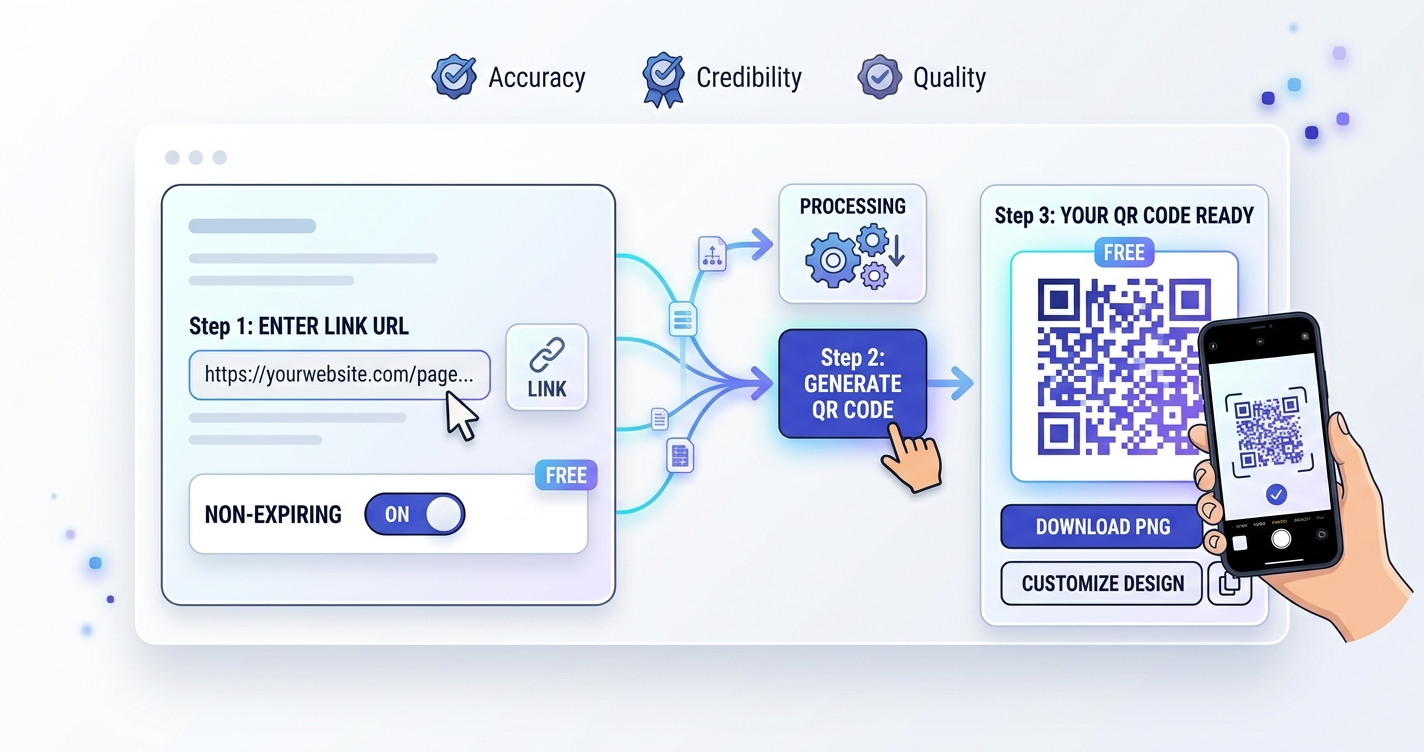
- Open the QR Code Generator.
- Paste the full address, including
https://. - Leave error correction on Medium unless the code will be printed somewhere it may get scuffed.
- Download PNG for screens and documents, or SVG for professional printing, since SVG stays sharp at any size.
- Scan it with your own phone before using it anywhere.
Want to be able to change the link later?
You can get the main benefit of a dynamic code without a subscription. Point the QR code at an address on your own website, such as yoursite.com/menu, and change what that page shows or where it redirects whenever you like. The printed code stays the same, and it depends on nobody's service but your own.
What else a QR code can hold
Phones recognise several text formats and offer the right action:
- Email:
mailto:hello@example.com - Phone:
tel:+15551234567 - Text message:
sms:+15551234567 - Wi-Fi:
WIFI:T:WPA;S:NetworkName;P:Password;;lets guests join a network by scanning. Remember that anyone who can see the code can read the password.
If a link contains spaces or unusual characters, encode it first with the URL Encoder using the whole-URL option.
Making sure it scans
- Contrast: dark pattern on a light background. Avoid light-on-dark and low-contrast brand colours.
- Quiet zone: keep the empty margin around the code clear of text and graphics.
- Size: a rough guide is one tenth of the scanning distance. A poster read from 2 metres needs a code about 20 cm across.
- Keep the link short: more characters mean a denser pattern that is harder to scan when small.
- Surface: avoid curved, glossy or creased surfaces where possible.
Understanding error correction
QR codes include spare data so they still work when partly damaged. There are four levels, which allow roughly 7%, 15%, 25% and 30% of the code to be restored. Higher levels are more robust but make the pattern denser. Medium suits most uses. Choose a higher level for outdoor signs and packaging, or if you plan to place a small logo over the centre.
Before you print a thousand of them
- Test with at least two different phones, including an older one.
- Test the printed proof, not only the screen version.
- Add a short line of text beside the code saying where it leads. People are rightly cautious about scanning unlabelled codes.
- Make sure the destination page works well on a phone, since that is where every scan will land.
Frequently asked questions
Do free QR codes expire?
A static QR code never expires, because the link is stored in the pattern itself. Codes stop working only if they come from a service that routes scans through its own short link and later disables it, or if the destination page is removed.
How small can a QR code be printed?
For a short link scanned at arm's length, about 2 cm (0.8 inches) square is a practical minimum. Codes holding more data, or scanned from further away, need to be larger.
Can a QR code be dangerous?
A QR code is just a way of writing text, usually a link. The risk is the same as clicking an unknown link. Check the address your phone shows before opening it, especially for codes on stickers in public places.