In this article
On a website you can use the newest image formats and trust that browsers will cope. Email is different. Messages are opened in dozens of programs, some of which have barely changed in a decade, and many of them block images until the reader agrees to show them. Choosing formats conservatively is what gets your newsletter displayed as intended.
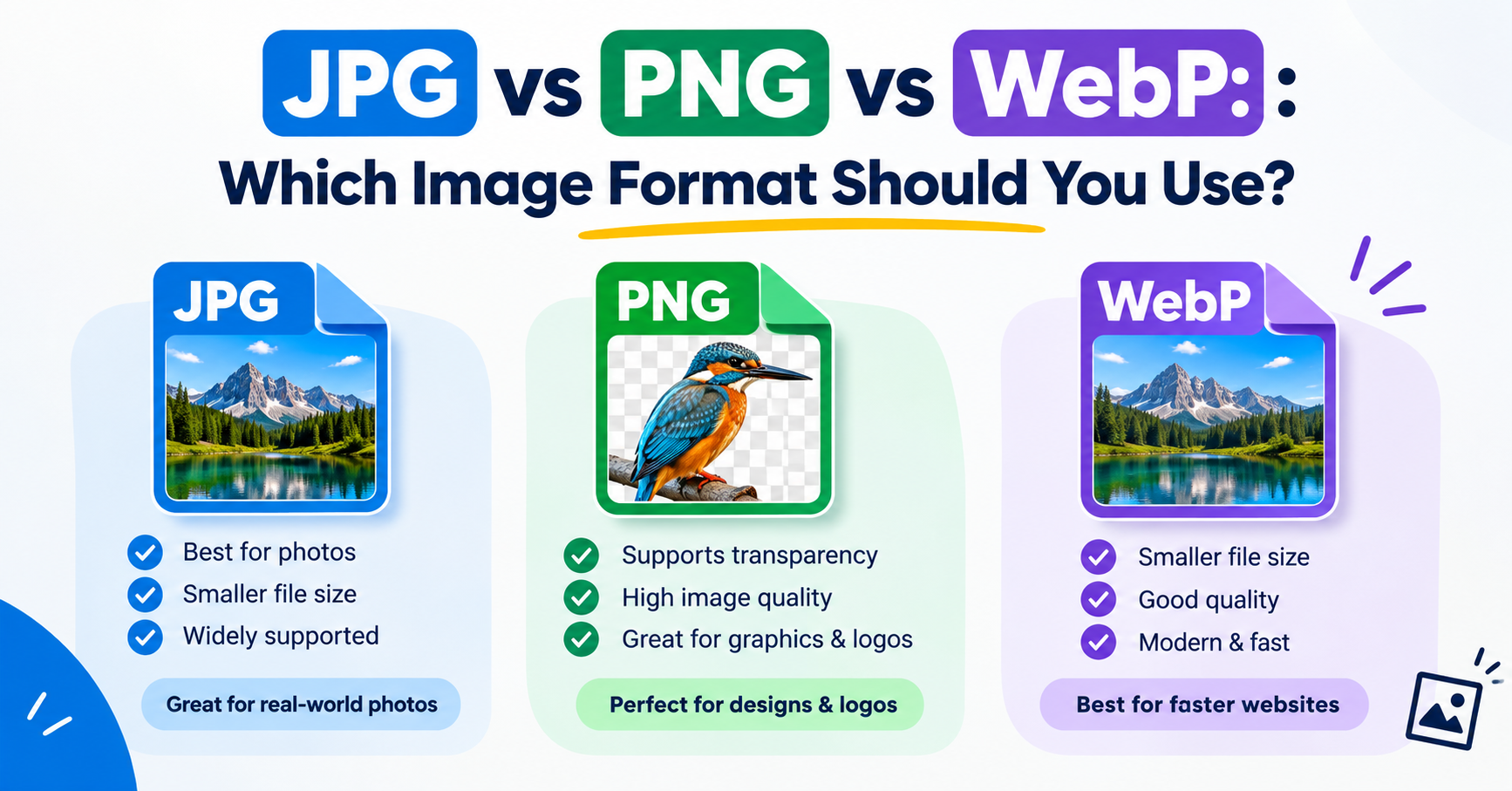
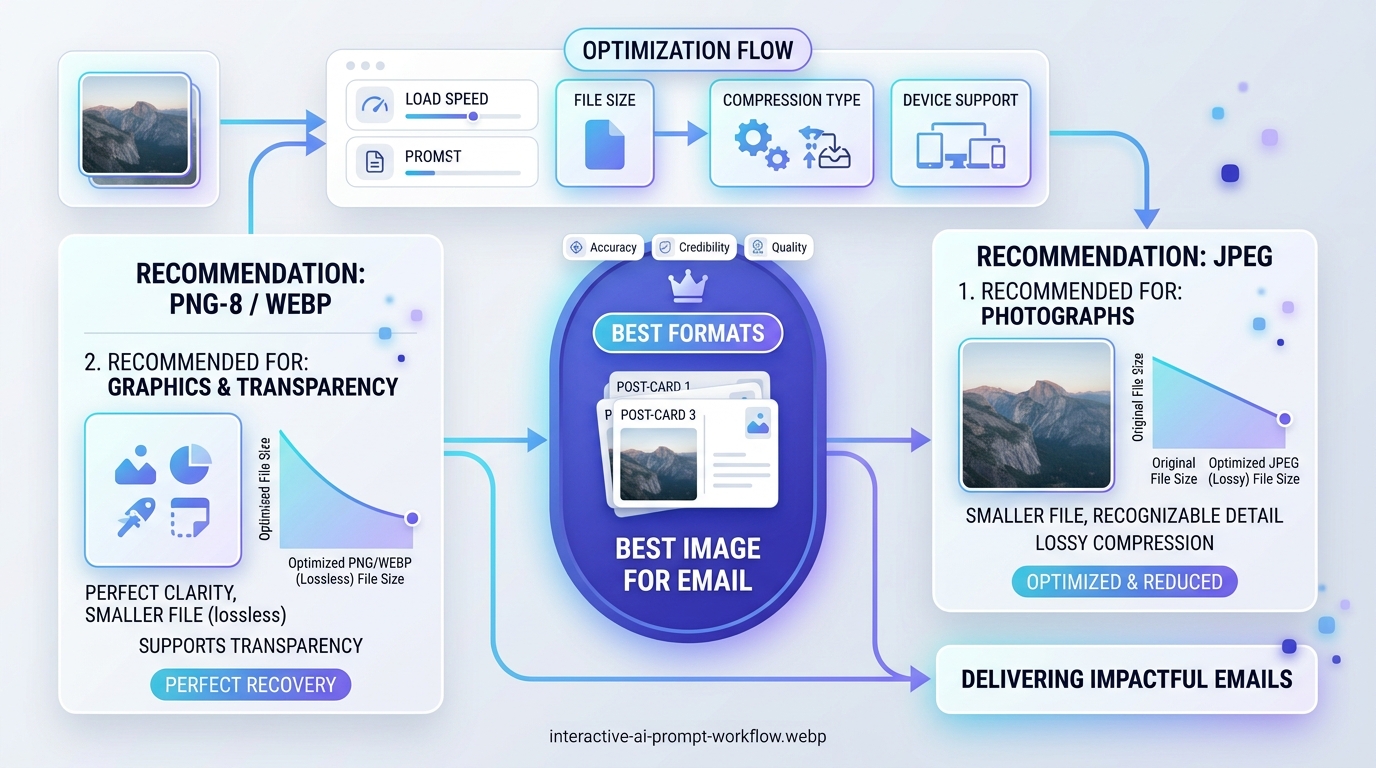
In short: Use JPG for photos, PNG for logos and graphics, and GIF for simple animation. Avoid WebP and SVG in email, keep images around 600 pixels wide in the layout, and never rely on images alone to carry the message.
Format support in email
| Format | Safe in email? | Use for |
|---|---|---|
| JPG | Yes, everywhere | Photographs |
| PNG | Yes, everywhere | Logos, graphics, anything with transparency |
| GIF | Yes; a few desktop clients show only the first frame | Simple animations |
| WebP | No: support is patchy, notably in desktop Outlook | Avoid |
| SVG | No: blocked or ignored by most clients | Avoid |
| AVIF | No | Avoid |
Support changes slowly over time, so if a newer format matters to you, send a test to the clients your readers actually use before relying on it.
Choosing between JPG and PNG
- Photos and banners with photographic content: JPG at quality 70 to 85.
- Logos, icons, buttons and screenshots: PNG, which keeps edges and text crisp.
- Anything that must sit on a coloured background without a box around it: PNG with transparency.
Dimensions and file size
Most email layouts are about 600 pixels wide, because that fits comfortably in desktop reading panes and scales down well on phones. To keep images sharp on high-density screens, save them at twice the displayed width and set the display width in the email itself: a full-width banner would be 1200 pixels wide, shown at 600.
| Image | Display width | Save at | Aim for |
|---|---|---|---|
| Full-width banner | 600 px | 1200 px | Under about 200 KB |
| Half-width photo | 280 to 300 px | 600 px | Under about 80 KB |
| Logo | 150 to 200 px | 300 to 400 px | Under about 20 KB |
| Animated GIF | Up to 600 px | Same as display | Under about 1 MB, shorter is better |
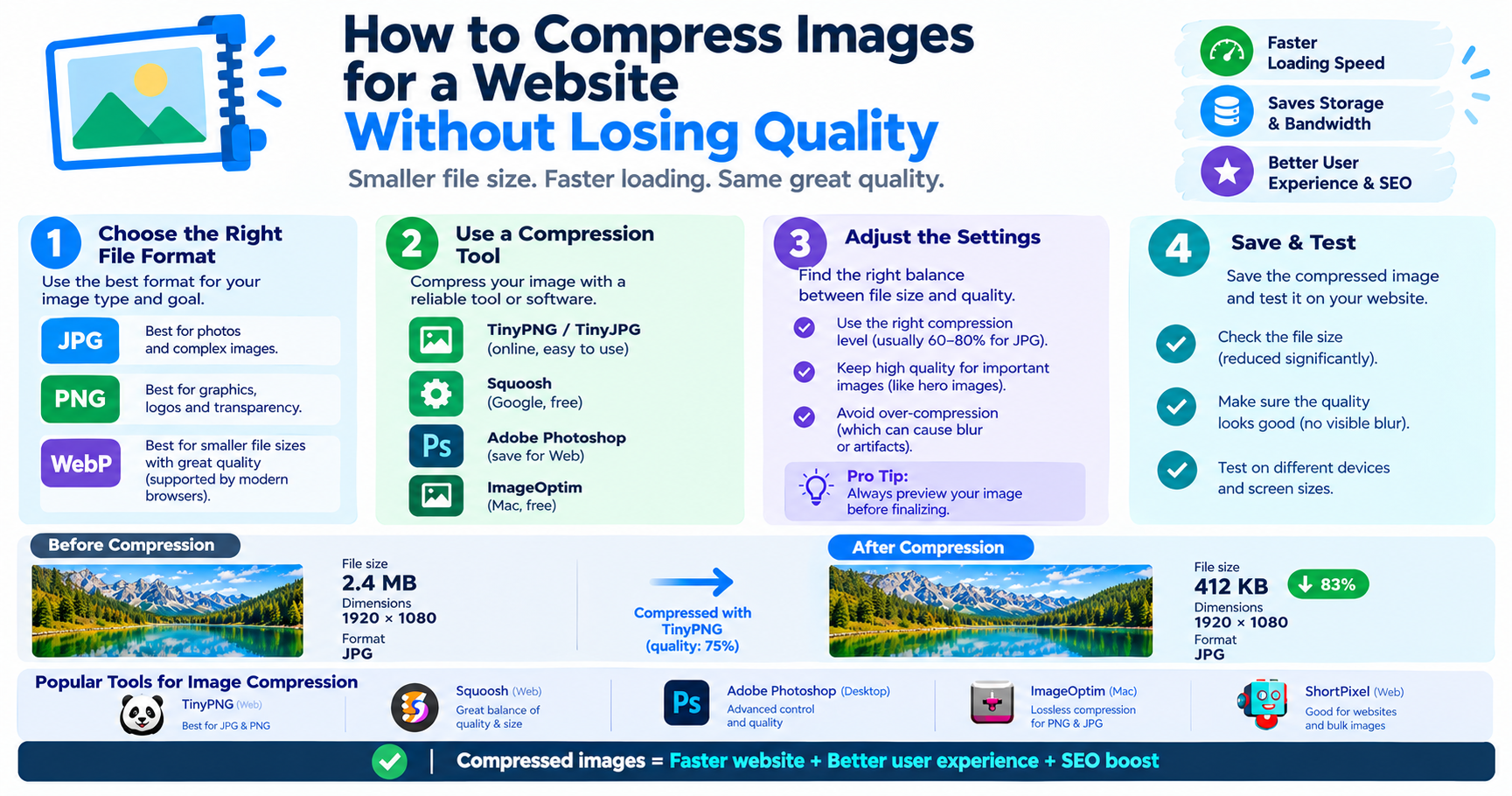
These are sensible targets, not rules set by any provider. Smaller is always safer: heavy emails load slowly on mobile data and some clients clip long messages. Resize with the Image Resizer, then shrink with the Image Compressor.
Assume images will be switched off
Many readers see your email without images at first, either because their client blocks them by default or because they are on a slow connection. Three habits protect you:
- Write alt text for every meaningful image. It is shown when the image is not, and read aloud by screen readers.
- Keep important text as real text. A headline or discount code that exists only inside an image may never be seen.
- Set width and height so the layout does not jump when images load.
Animated GIFs in email
GIF is the only widely supported way to animate in email. Because some clients display just the first frame, make that frame meaningful on its own: put the product, offer or key message there instead of an empty opening. Keep the animation to a few seconds, limit the colours, and avoid rapid flashing, which is unpleasant for everyone and harmful for some readers.
Advantages and disadvantages of image-heavy emails
Advantages
- More attractive and quicker to scan
- Products and results can be shown, not described
- Consistent branding
Disadvantages
- May be blocked, leaving blank spaces
- Slower to load and more likely to be clipped
- Image-only emails are more likely to be treated as spam
Checklist before you send
- Formats are JPG, PNG or GIF only.
- Every image has alt text, width and height.
- The message still makes sense with images off.
- Total weight is reasonable: ideally well under 1 MB.
- Images are hosted at stable addresses that will not be moved or deleted.
- You have sent a test to at least one webmail account, one phone and desktop Outlook if your audience uses it.
Frequently asked questions
Can I use WebP images in email?
It is not recommended. Some email clients display WebP and others, including desktop versions of Outlook, do not. JPG and PNG work everywhere.
What size should email images be?
Design for a layout about 600 pixels wide and save images at twice their displayed width so they stay sharp on high-density screens.
Do GIFs work in all email clients?
Almost all show them. A few desktop clients display only the first frame, so make sure that frame carries the message.
Why do my email images not show for some people?
Many email programs block images until the reader chooses to display them. Alt text and real text content make the email usable either way.