In this article
The GIF has survived since 1987 because it plays everywhere without a play button. It is also one of the least efficient ways ever devised to move pictures. A ten-second GIF can weigh more than a full minute of video. Knowing the alternatives keeps your pages fast and your attachments small.
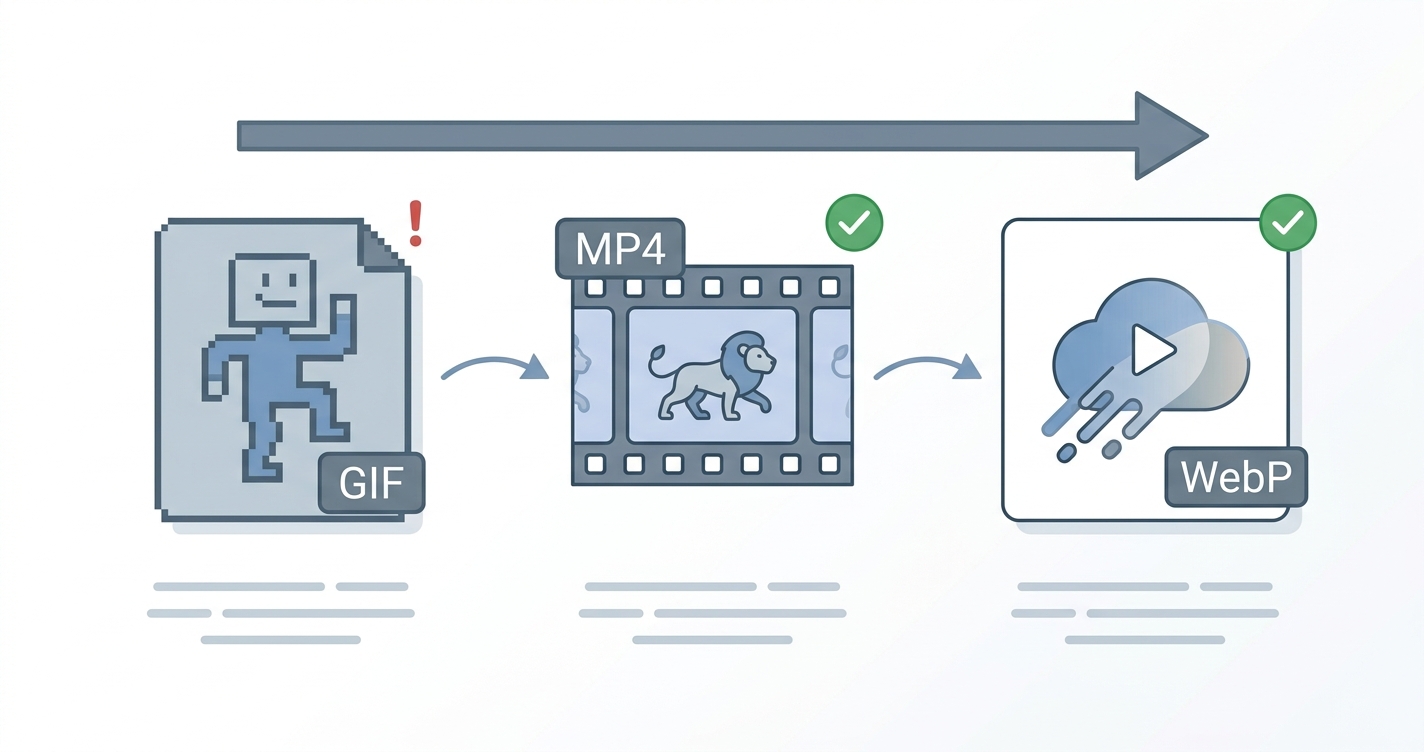
In short: Use MP4 for animations on a web page, animated WebP when it must behave like an image, and GIF only where nothing else is accepted, such as email and some chat apps.
Why GIFs are so large
A GIF stores each frame as a picture limited to 256 colours, with only basic compression between frames. Modern video formats store one full frame and then just the changes that follow, with far smarter compression. The result is that the same clip as MP4 is commonly a small fraction of the GIF’s size, and it looks better because it is not limited to 256 colours.
The three formats compared
| GIF | MP4 (H.264) | Animated WebP | |
|---|---|---|---|
| Colours | 256 per frame | Millions | Millions |
| File size | Very large | Smallest | Small |
| Sound | No | Yes | No |
| Transparency | On or off only | No | Yes, with smooth edges |
| Plays automatically | Always | Only if muted and set to autoplay | Always |
| Works in an image tag | Yes | No, needs a video tag | Yes |
| Works in email | Mostly | Rarely | Rarely |
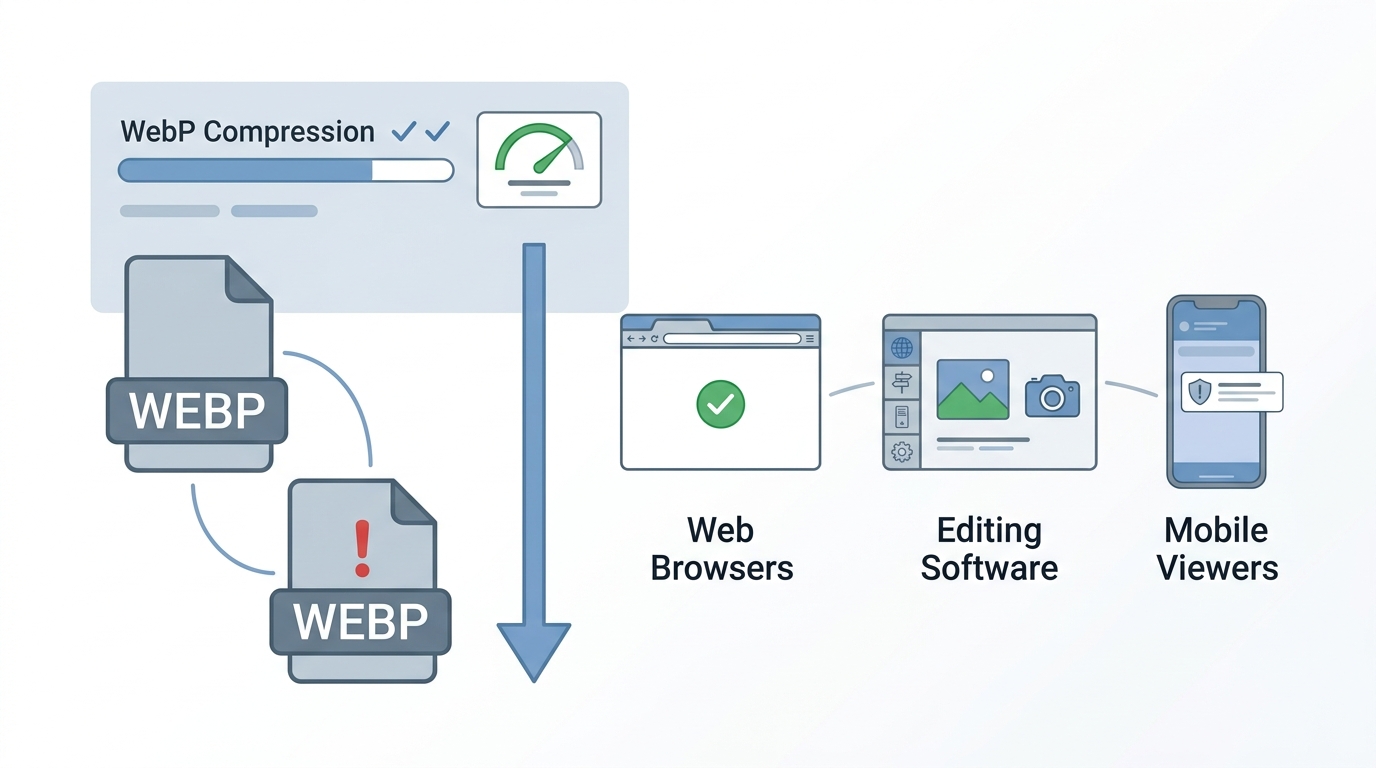
| Browser support | Universal | Universal | All current browsers |
When to use each
MP4
Best for anything on a website longer than a second or two: product demos, screen recordings, background loops. To make a video behave like a GIF, mute it and let it loop:
<video autoplay loop muted playsinline width="640" height="360">
  <source src="demo.mp4" type="video/mp4">
</video>
The muted and playsinline attributes matter: browsers, especially on phones, block autoplay for videos that could make sound.
Animated WebP
Best when the animation must sit in an ordinary image tag, needs a transparent background, or is a short interface flourish such as a sticker or loading indicator. It is much smaller than GIF with full colour.
GIF
Still the right answer where support matters more than size: email newsletters, older chat tools, forums and documents. Keep it short, small in dimensions and low in frame rate.
Advantages and disadvantages
GIF
Advantages
- Plays almost anywhere, including most email clients
- No player or settings needed
Disadvantages
- Enormous files
- Only 256 colours, so gradients look grainy
- No sound and rough transparent edges
MP4
Advantages
- Smallest files and best quality
- Supports sound and long clips
Disadvantages
- Needs a video tag and the right attributes to autoplay
- No transparency
- Does not play inline in most email
Animated WebP
Advantages
- Small, full-colour and transparent
- Used exactly like an image
Disadvantages
- Poor support in email and older software
- Fewer tools for creating and editing it
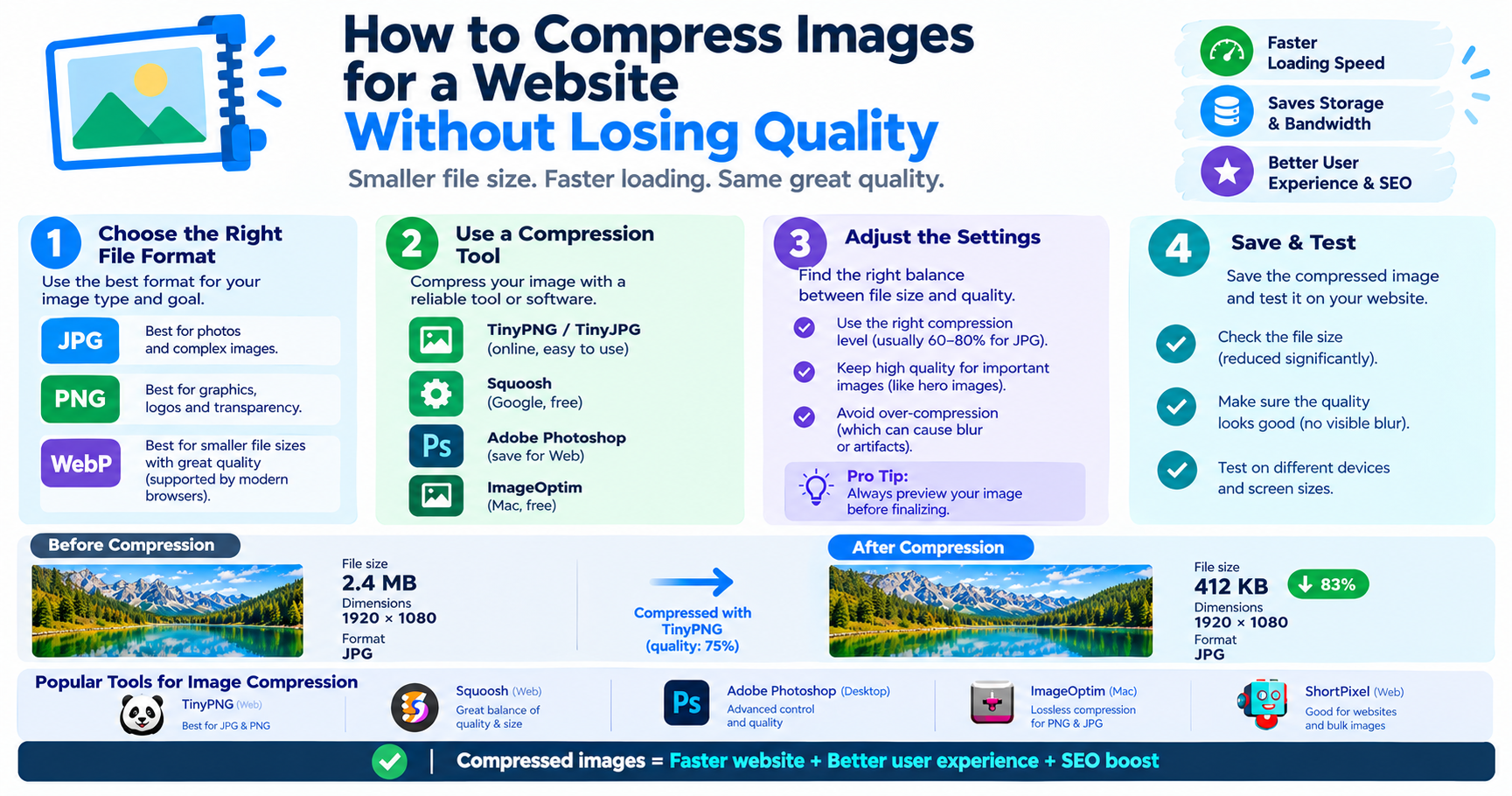
Making a GIF smaller when you must use one
- Shorten it. Every second removed helps. Two to four seconds is plenty for most loops.
- Reduce the dimensions. Halving width and height cuts the pixel count to a quarter.
- Lower the frame rate. 10 to 15 frames per second is usually smooth enough.
- Reduce the colours. Many clips look fine at 64 or 128 colours.
- Avoid busy backgrounds. Areas that do not change between frames compress well; moving camera shots do not.
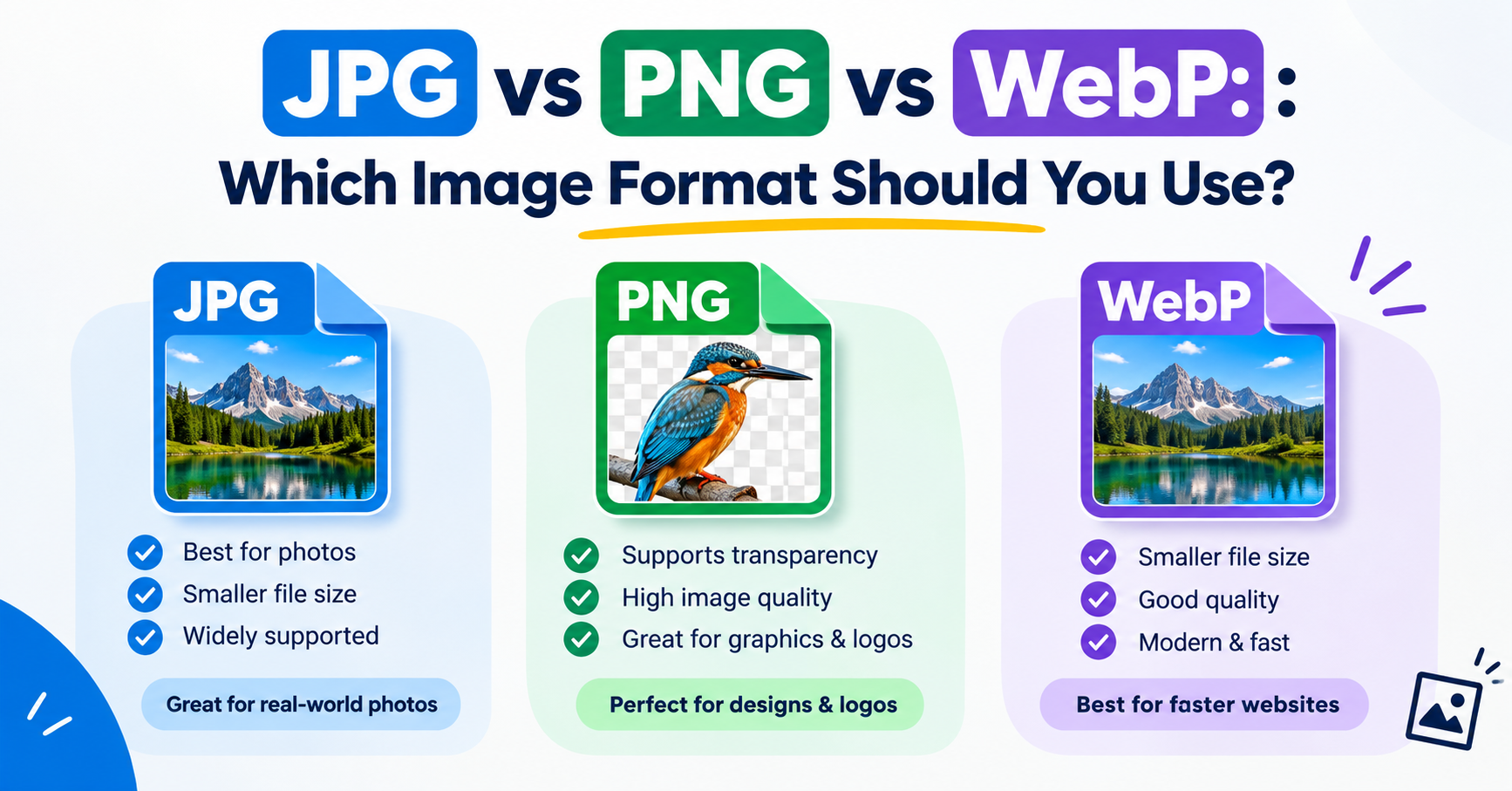
What about still images?
If only the first frame matters, do not use an animation format at all. A single JPG or WebP still is far smaller. You can convert and shrink stills with the Image Converter and the Image Compressor.
Frequently asked questions
Is MP4 better than GIF?
For quality and file size, clearly yes. GIF's advantage is that it plays automatically almost everywhere, including email.
Why are GIF files so big?
Each frame is stored as a separate 256-colour picture with weak compression, whereas video formats store only what changes between frames.
Can I use animated WebP everywhere?
In current web browsers, yes. Email clients, older software and some social platforms do not support it.
Do animated GIFs slow down a website?
Often. A large GIF can outweigh everything else on the page. Replacing it with a muted looping video usually improves loading speed noticeably.