In this article
You save a picture from a website expecting a JPG, and the file ends in .webp. It is not a mistake and it is not a virus. WebP is an image format created by Google and now used across much of the web, because it shows the same picture as a JPG or PNG using less data.
In short: A WebP file is an ordinary picture saved in a newer, more compact format. Any modern browser opens it, and you can convert it to JPG or PNG in seconds when another program refuses it.
What WebP is
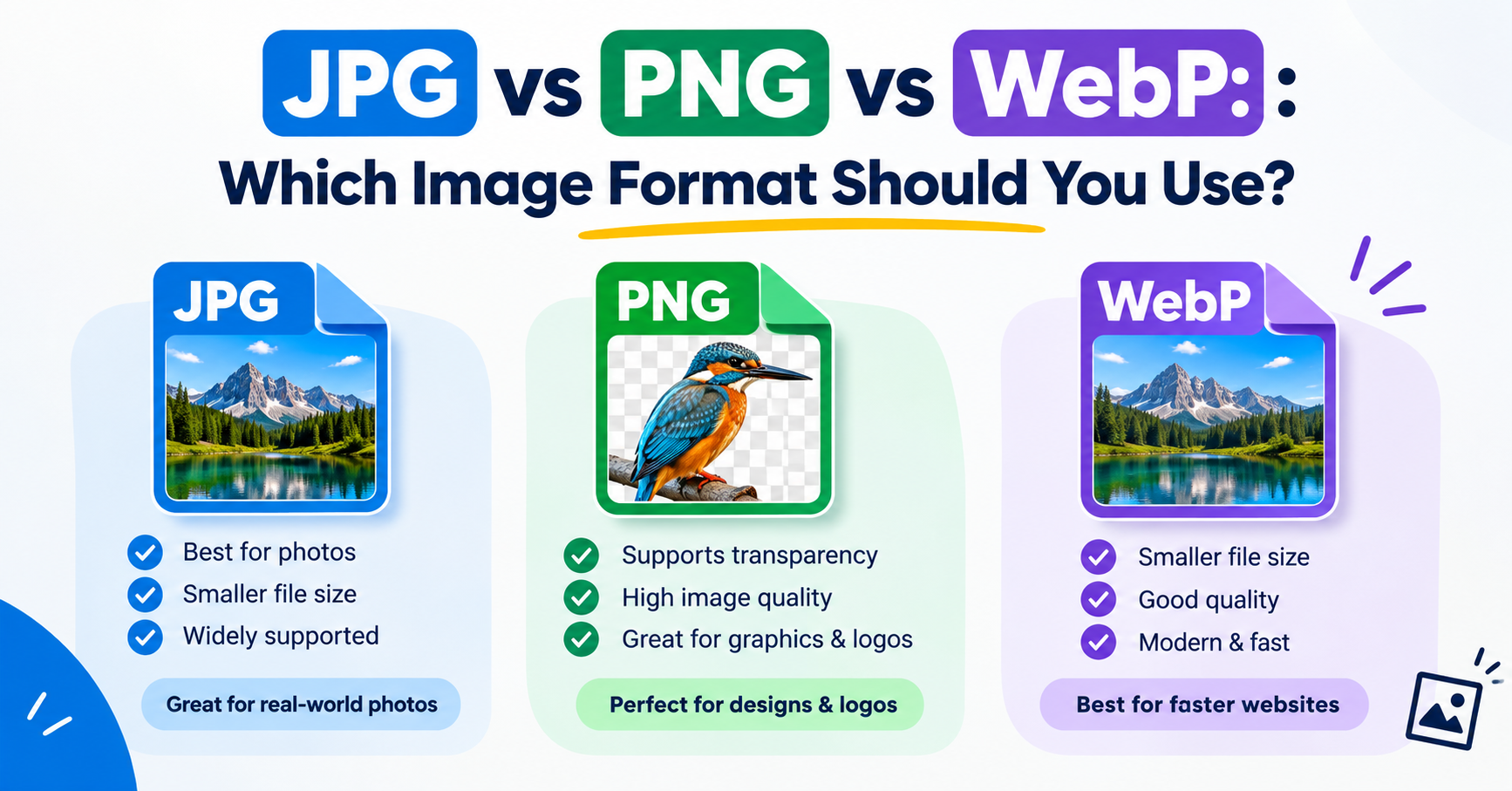
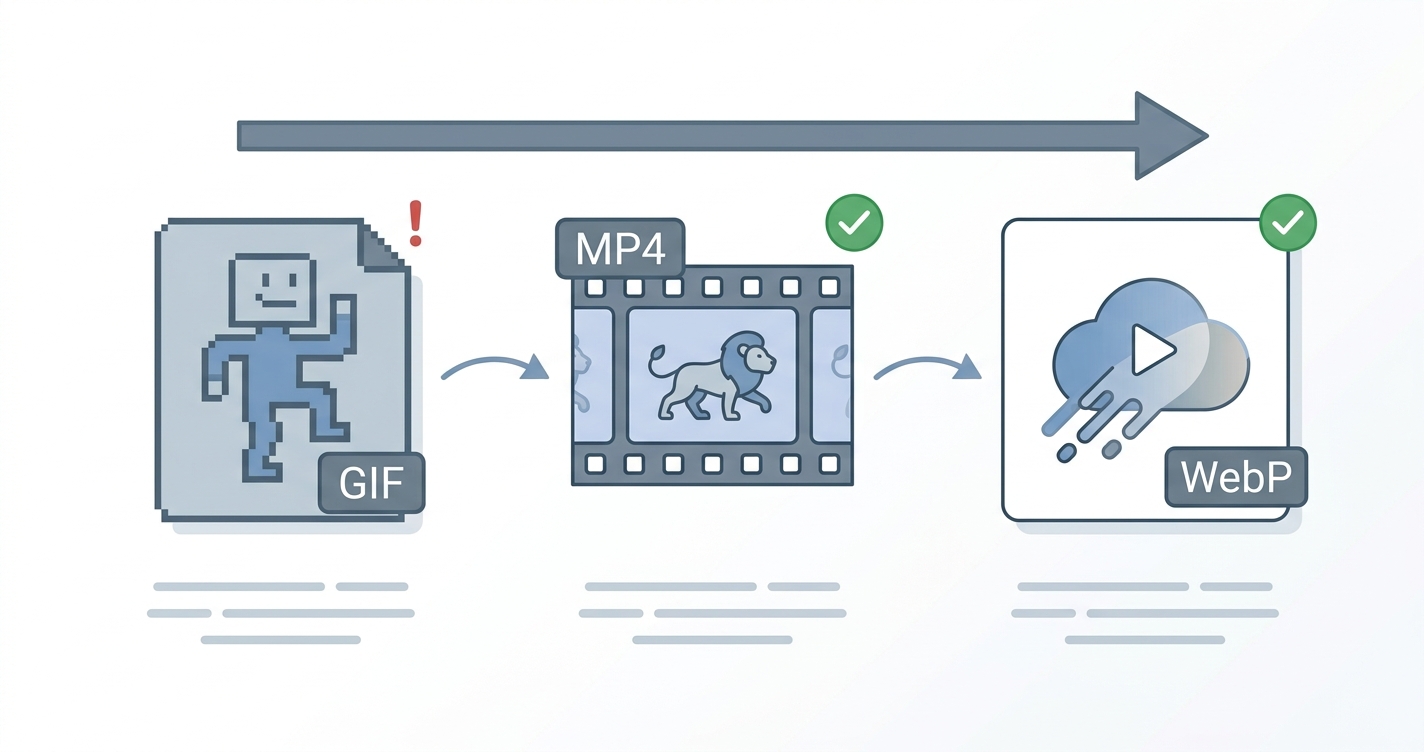
WebP, usually pronounced “weppy”, stores images in one of two ways. In lossy mode it works like JPG, discarding detail the eye is unlikely to miss. In lossless mode it works like PNG, keeping every pixel exactly. It also supports transparent backgrounds and simple animation, so one format covers jobs that used to need JPG, PNG and GIF.
Why websites use it
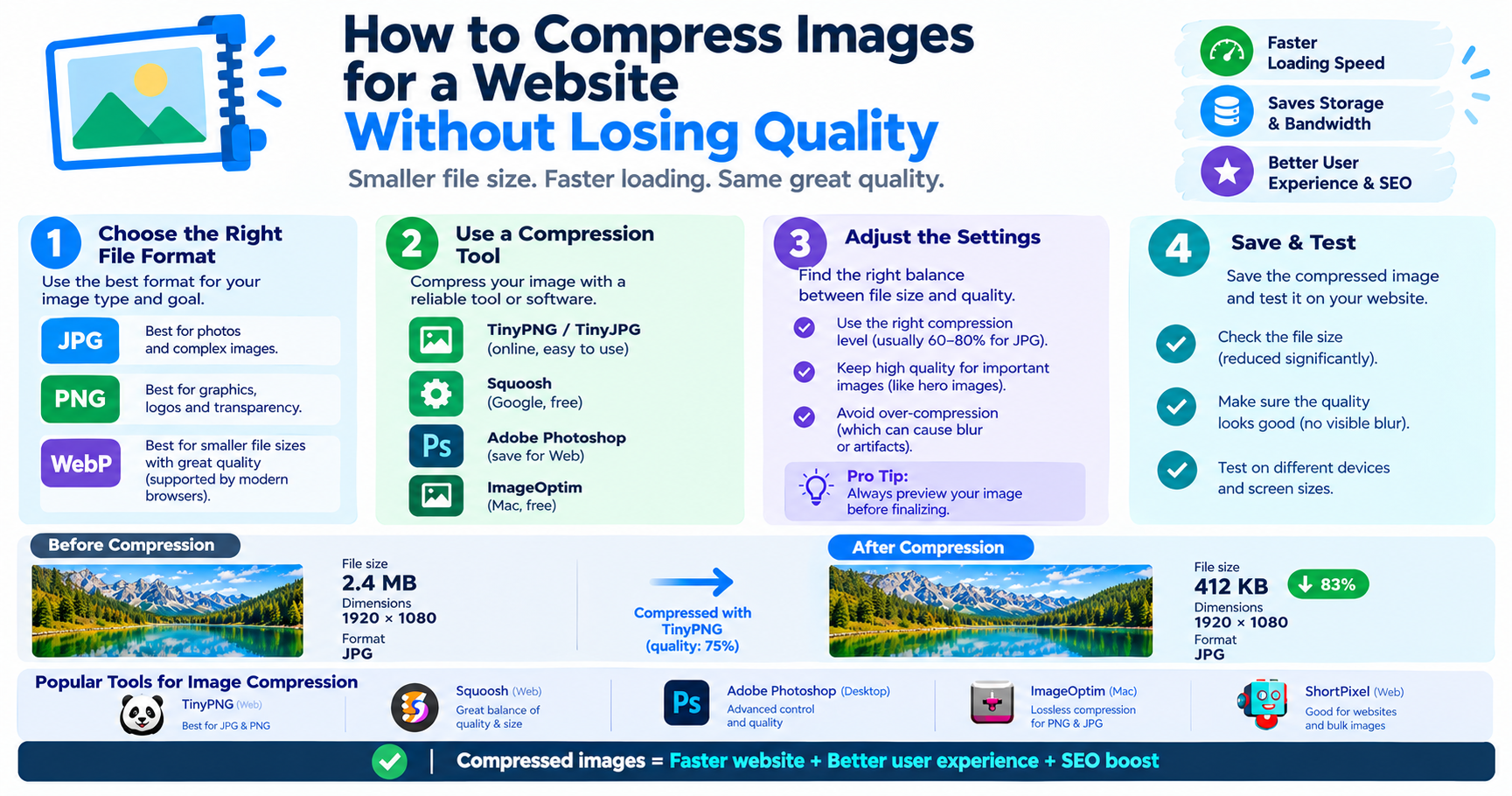
Images are usually the heaviest part of a web page. A smaller image downloads faster, uses less mobile data and helps the page score better in speed tests. Because every current browser can display WebP, many sites and content management systems now convert uploaded pictures to WebP automatically. That is why the file you save may be WebP even though the original upload was a JPG.
WebP compared with JPG and PNG
| JPG | PNG | WebP | |
|---|---|---|---|
| Best for | Photos | Graphics, screenshots | Both |
| Transparency | No | Yes | Yes |
| Animation | No | No | Yes |
| Typical file size | Medium | Large | Smallest |
| Opens in older software | Always | Always | Not always |
How to open a WebP file
- Any device: drag the file into Chrome, Edge, Firefox or Safari. It opens like any other picture.
- Windows 10 and 11: the Photos app and Paint open WebP files. If Photos will not, install the free “WebP Image Extensions” from the Microsoft Store.
- Mac: Preview opens WebP on macOS 11 Big Sur and later.
- iPhone and iPad: supported in Photos and Files from iOS 14.
- Android: supported by the gallery and file apps on all recent versions.
When WebP causes trouble
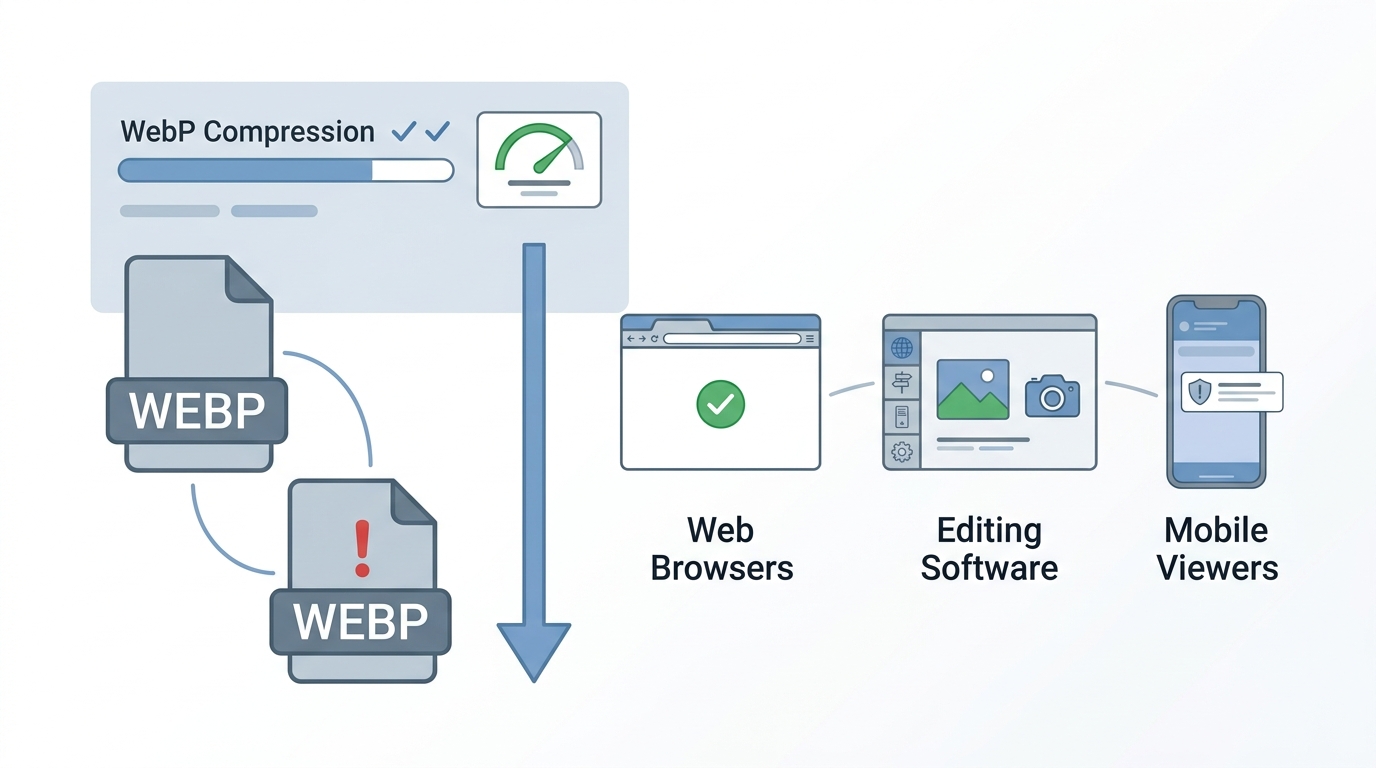
Problems start when the file has to go somewhere else. Some upload forms accept only JPG or PNG. Older versions of office software and image editors may not import WebP. Printing services often ask for JPG, PDF or TIFF. In these cases the fix is to convert the file.
How to convert WebP to JPG or PNG
- Open the Image Converter.
- Add your WebP files. You can add several at once.
- Choose JPG for photographs or PNG if the picture has a transparent background.
- Download the converted files.
The conversion happens in your browser, so the pictures are not uploaded. A step-by-step version for each device is in our guide to converting WebP to JPG.
Advantages and disadvantages of WebP
Advantages
- Smaller files than JPG and PNG at the same quality
- One format for photos, transparency and animation
- Supported by every current browser
Disadvantages
- Not accepted by every upload form or older program
- Converting a JPG to WebP and back loses a little quality each time
- Less familiar, so recipients may be unsure what the file is
Can I stop websites giving me WebP?
Not reliably. The site decides which format to send. Some pictures can be saved as JPG by opening the image in a new tab first, but the dependable approach is to save the WebP and convert it.
Frequently asked questions
Is a WebP file safe?
Yes. It is a normal image format. As with any download, the risk comes from where a file came from, not from the format.
Is WebP better quality than JPG?
At the same file size WebP generally looks a little better, and at the same quality it is smaller. A WebP made from a JPG cannot be better than that JPG.
Why can't I upload a WebP file?
The website's upload form has not been updated to accept it. Convert the picture to JPG or PNG and upload that.
Does WebP support transparent backgrounds?
Yes, in both lossy and lossless modes, which is one reason it often replaces PNG on websites.