In this article
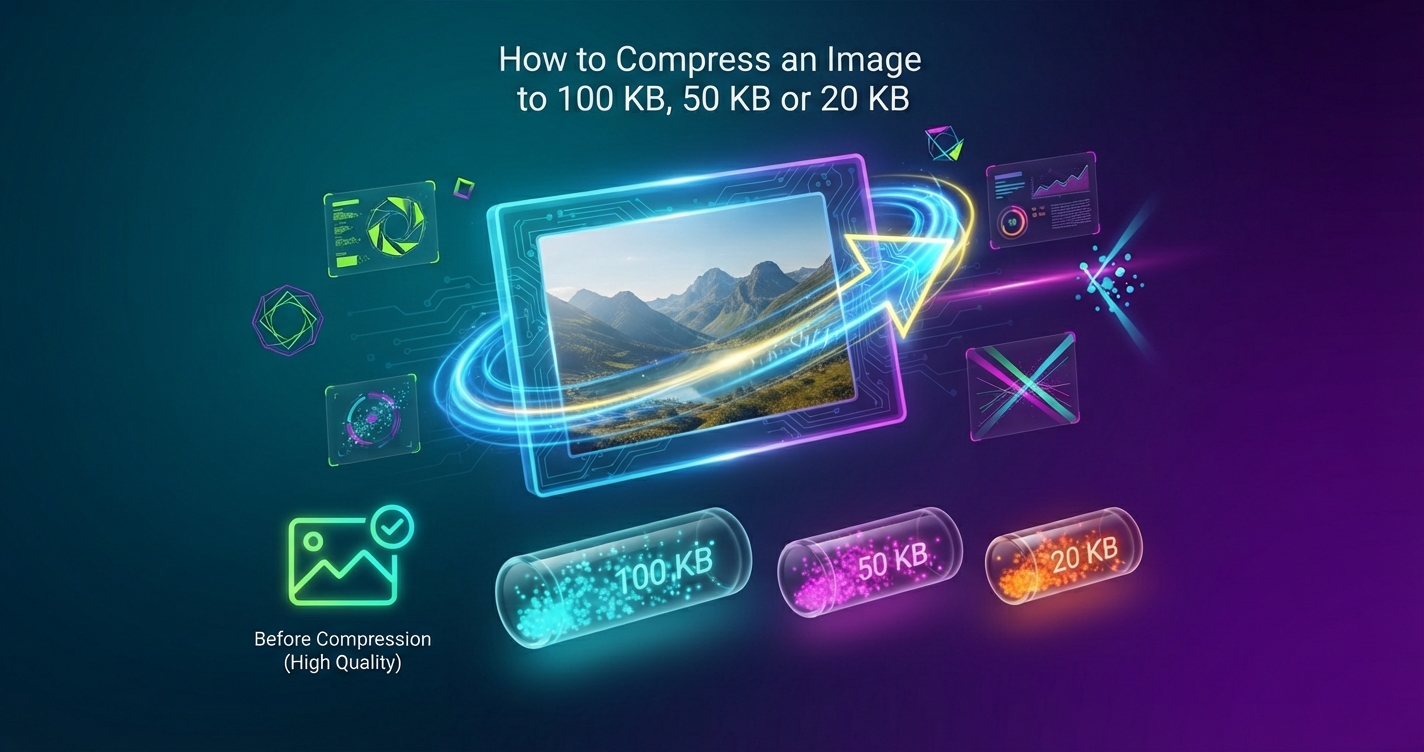
Job portals, exam registrations, visa applications and government forms often reject photos over a fixed size: 100 KB, 50 KB, sometimes as little as 20 KB. A phone photo is typically 2,000 to 5,000 KB, so it has to shrink by a factor of fifty or more. That is achievable without a blurry mess if you do it in the right order.
In short: Reduce the pixel dimensions first, then let a compressor find the highest quality that fits the limit. Trying to reach 20 KB on quality alone ruins the picture.
Why dimensions matter more than quality
File size depends mainly on how many pixels there are. A 4000 × 3000 photo has 12 million pixels; a 600 × 800 one has under half a million. Squeezing 12 million pixels into 50 KB is impossible without destroying the image. Squeezing half a million into 50 KB is easy. So the first move is always to reduce the dimensions to what the form actually needs.
Sizes that work
These are starting points for ordinary photos saved as JPG. Pictures with lots of fine detail need slightly smaller dimensions.
| Target | Dimensions that usually fit | Typical use |
|---|---|---|
| 200 KB | 1200 to 1600 px on the long side | Document photos, portfolio uploads |
| 100 KB | 800 to 1200 px | Profile and application photos |
| 50 KB | 500 to 800 px | Exam and job portal photos |
| 20 KB | 300 to 450 px | Small ID photos and signatures |
| 10 KB | 200 to 300 px | Signature scans |
Step by step
- Open the Image Compressor and add your photo.
- In Max width, enter a value from the table above.
- In Target size in KB, enter the limit, for example 50. The tool searches for the best quality that fits.
- Check the size shown beside the result, then download it.
- Open the downloaded file and make sure faces and text are clear.
The photo is processed in your browser and is not uploaded, which matters for identity photos and signatures.
If the form also sets pixel dimensions
Many forms specify both, for example “200 × 230 pixels, 20 to 50 KB”. Do it in two passes: crop to the right shape with the Image Cropper, set the exact pixels with the Image Resizer, then compress to the size limit. Read the instructions carefully: some forms also set a minimum size and reject files that are too small.
Fixing common problems
| Problem | Cause | Fix |
|---|---|---|
| Result is blocky or smeared | Too many pixels for the limit | Lower the max width and try again |
| File will not go below the target | Dimensions still too large, or a PNG | Reduce the width; save as JPG |
| File is under the minimum size | Over-compressed | Raise the width or the target |
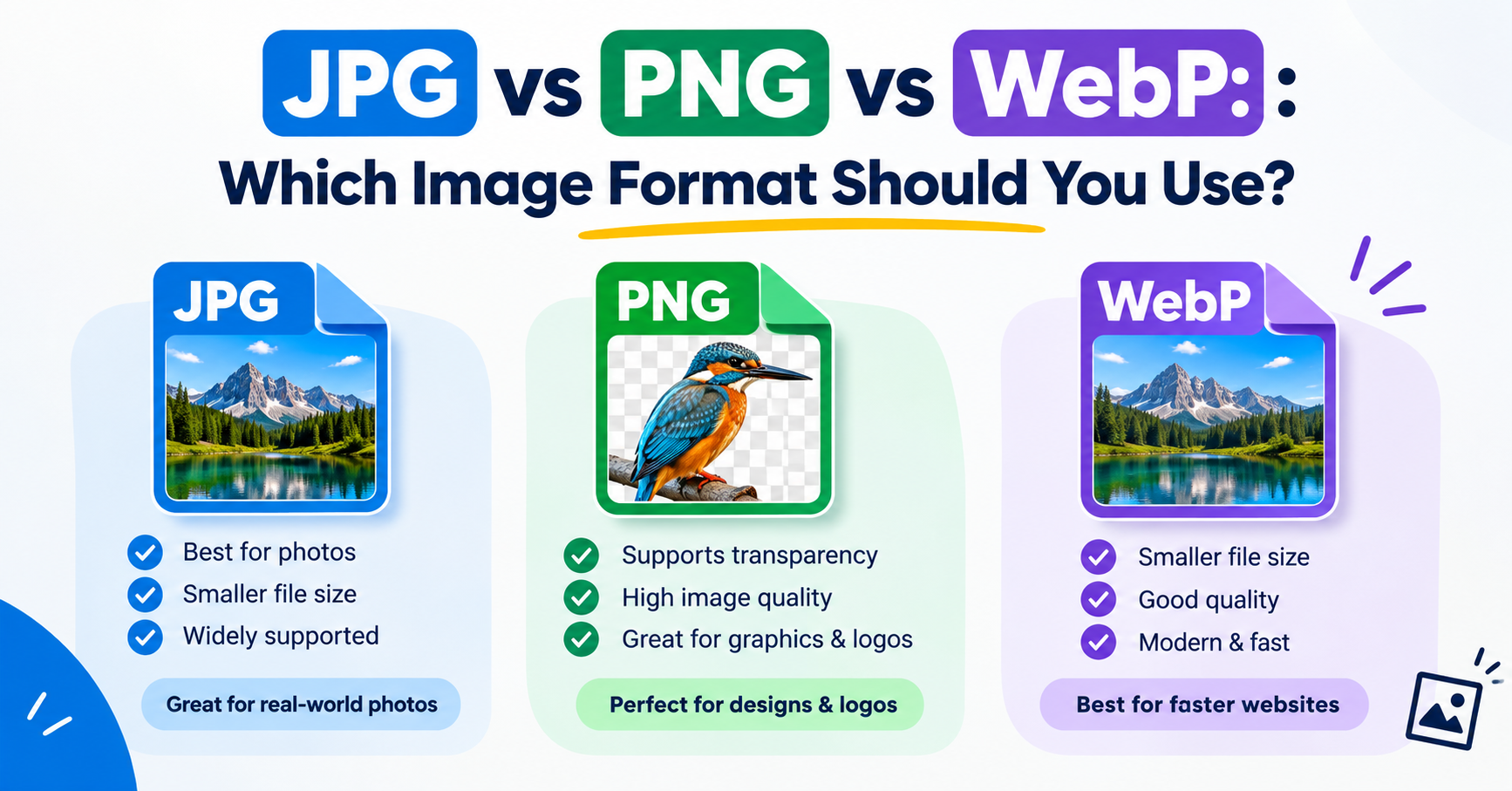
| Form says “invalid format” | Saved as WebP or PNG | Choose JPG as the output |
| Signature looks grey and faint | Poor scan contrast | Rescan on white paper with dark ink in good light |
Tips for photos of people and documents
- Crop close to what matters. Empty background uses bytes and adds nothing.
- A plain, evenly lit background compresses far better than a patterned one.
- For documents and signatures, greyscale is smaller than colour.
- Keep the original. If the form rejects your file you will want to start again from it.
Advantages and disadvantages of heavy compression
Advantages
- Meets strict upload limits
- Uploads quickly on slow connections
- Small files are easy to store and email
Disadvantages
- Fine detail is lost for good
- Small dimensions print poorly
- Compressing an already compressed file makes artefacts worse
Frequently asked questions
How do I reduce a photo to under 100 KB?
Resize it to about 800 to 1200 pixels on the long side, then compress as JPG with a 100 KB target. Most photos fit comfortably.
Why is my image still too large after compressing?
It has too many pixels for the limit. Reduce the width, or switch from PNG to JPG, and compress again.
Can I compress an image to 20 KB without losing quality?
Some loss is unavoidable at that size, but at 300 to 450 pixels wide a photo can still look clear enough for an ID picture.
Is it safe to compress ID photos online?
Use a tool that works in your browser without uploading. Ours processes the file on your own device.