In this article
You have finished a document and need to send it. Attach the Word file or export a PDF? The wrong choice shows up as broken formatting on the recipient’s screen, or as a request to “send something I can edit”. The decision comes down to one question: is the document finished?
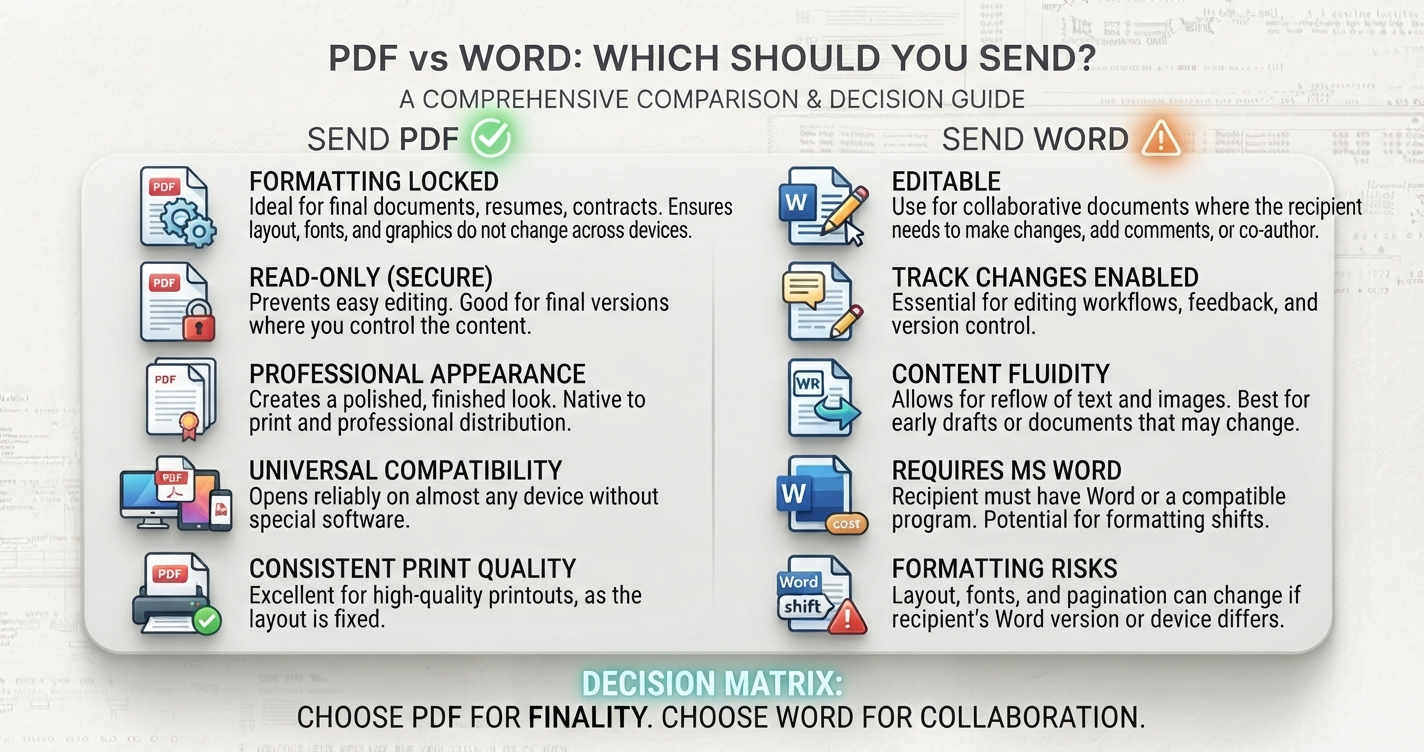
In short: PDF is for reading, printing and signing: it looks identical on every device. Word is for writing and revising. If you are unsure and nobody needs to edit, send a PDF.
The core difference
A Word document (.docx) is a set of instructions: this text, in this font, with these margins. The program opening it rebuilds the pages, and if it lacks your font or uses a different version, the result shifts. A PDF is closer to a printout: every page is fixed, with fonts stored inside the file, so it looks the same on a phone, a Mac, a Windows PC and paper.
Side by side
| Word (.docx) | ||
|---|---|---|
| Looks the same everywhere | Yes | Not guaranteed |
| Easy to edit | No | Yes |
| Comments and tracked changes | Basic notes | Full review tools |
| Opens without special software | Yes, in any browser or phone | Needs Word or a compatible app |
| Fonts travel with the file | Yes | Usually not |
| Signing | Well supported | Awkward |
| Suitable for long-term records | Yes | Less so |
| Typical file size | Small for text, larger with images | Small |
When to send a PDF
- CVs and cover letters, unless the employer asks for Word. Your layout arrives intact.
- Contracts, invoices, quotes and letters. They should not be altered casually.
- Reports, brochures and anything designed. Columns, images and page breaks stay put.
- Forms to be filled in or signed.
- Anything to be printed by someone else.
When to send Word
- Drafts for review. Tracked changes and comments are built for this.
- Templates the recipient will complete and reuse.
- Documents someone else will finish or merge into their own.
- When explicitly requested. Some recruiters and publishers need editable text for their own systems.
Common situations
| Situation | Send | Why |
|---|---|---|
| Job application | PDF, unless told otherwise | Consistent layout; most applicant systems read PDF |
| Draft to a colleague | Word | They need to edit and comment |
| Final contract for signature | Fixed content, easy to sign | |
| Essay to a teacher who marks on screen | Whatever they specify | Some mark in Word, some on PDF |
| Newsletter or flyer | Design must not move | |
| Unsure, and no edits needed | The safer default |
Advantages and disadvantages
Advantages
- Identical appearance on every device
- Opens anywhere without paid software
- Harder to change by accident
- Good for signing and archiving
Disadvantages
- Editing requires special software and is clumsy
- Text can be awkward to reuse
- Scanned PDFs are not searchable without text recognition
Word
Advantages
- Easy to edit, comment and track changes
- Small files
- Content is simple to reuse
Disadvantages
- Layout can change between devices, versions and apps
- Fonts may be substituted
- May carry hidden information such as tracked changes and author names
Before you send a Word file
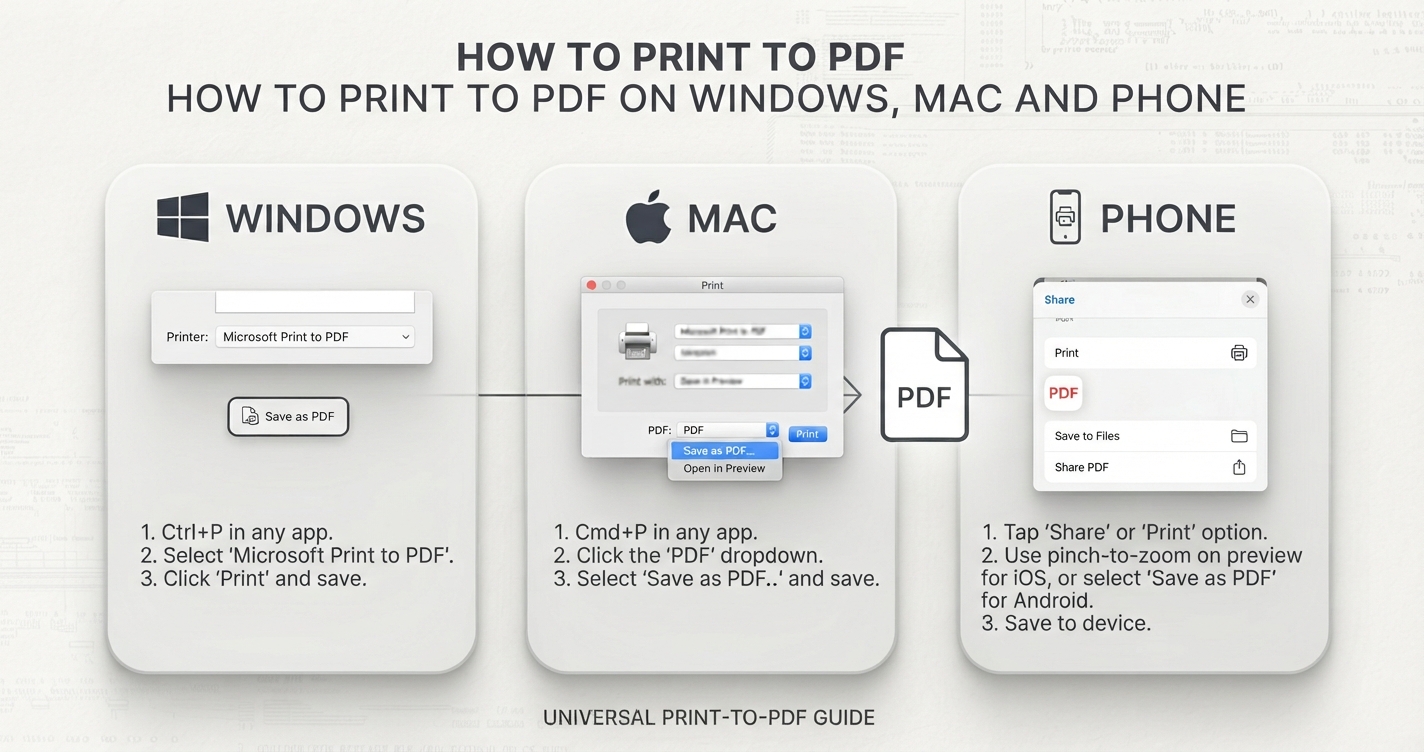
Word documents can contain more than you see: earlier wording in tracked changes, comments, and your name and organisation in the properties. Accept or reject all changes and delete comments, or use File → Info → Check for Issues → Inspect Document in Word to remove them. Exporting to PDF flattens tracked changes into whatever is currently shown, so check the view before exporting.
Before you send a PDF
- Open the PDF itself and read it once; do not assume the export matches the screen.
- Check the size. If it is large, see why PDFs get large.
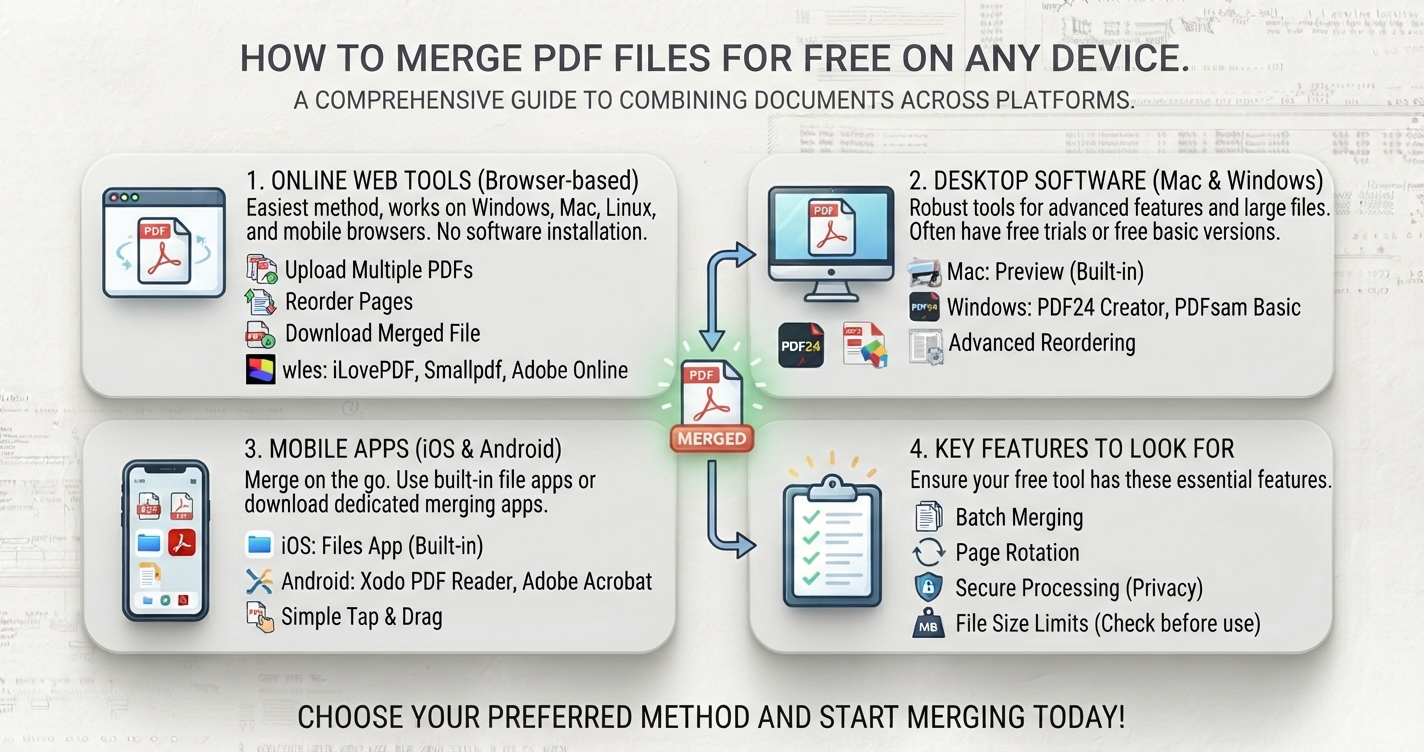
- If several documents belong together, combine them with Merge PDF.
- Name the file clearly: surname-document-date.pdf.
Sending both
When someone needs to review and see the intended layout, send both: the Word file for changes and a PDF as the reference. Say which is which in your message.
Frequently asked questions
Should I send my CV as PDF or Word?
PDF, unless the employer asks for Word. It preserves your layout and is readable by most applicant tracking systems.
Can a PDF be edited?
Yes, with PDF editing software, but it is far less convenient than editing a Word document. A PDF is best treated as a finished copy.
Does converting Word to PDF change the formatting?
A proper export keeps the layout as it appears in Word. Always open the PDF and check before sending.
Is PDF more secure than Word?
It is harder to change accidentally and can be password-protected or signed, but an ordinary PDF is not tamper-proof.