In this article
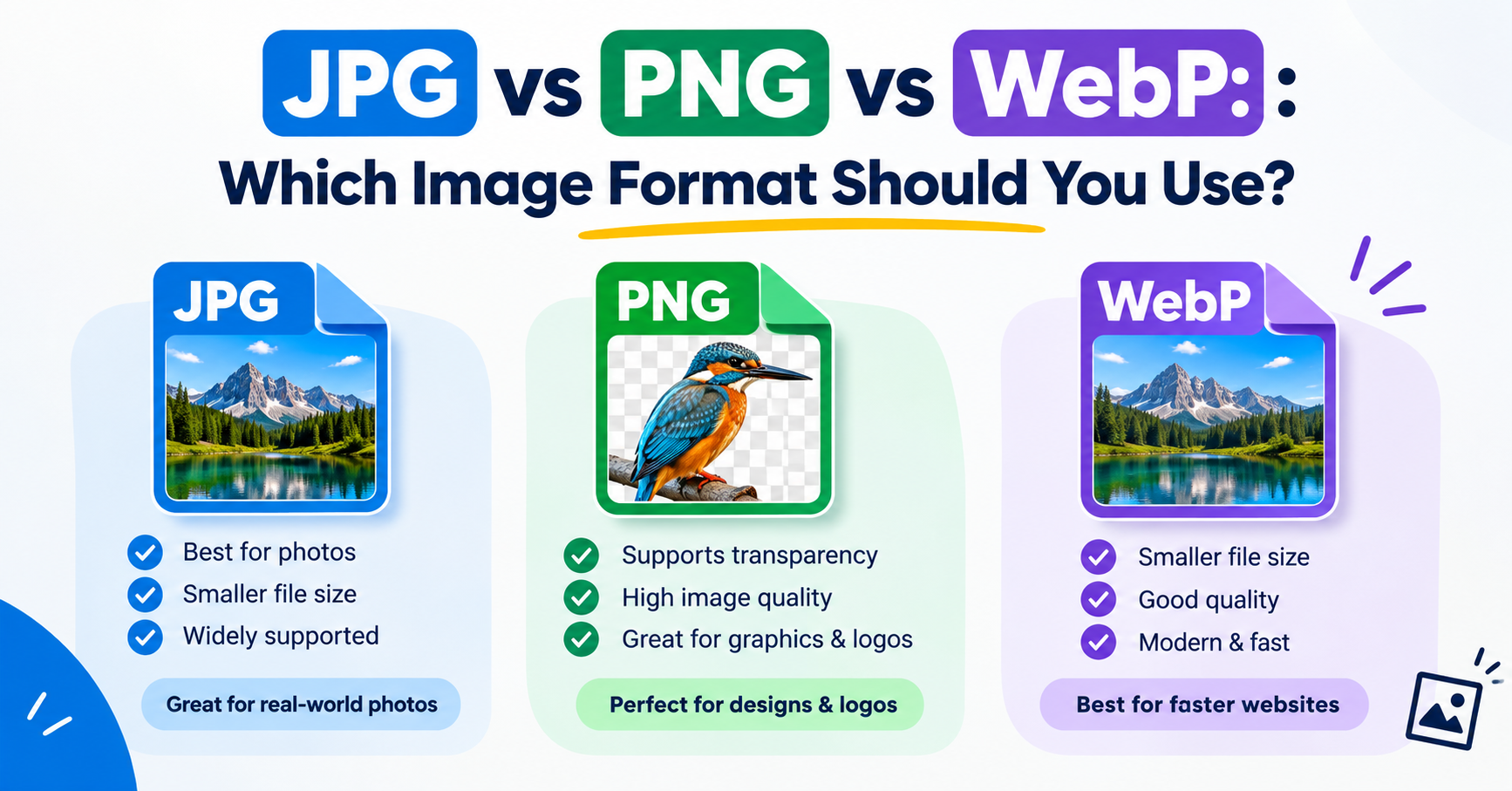
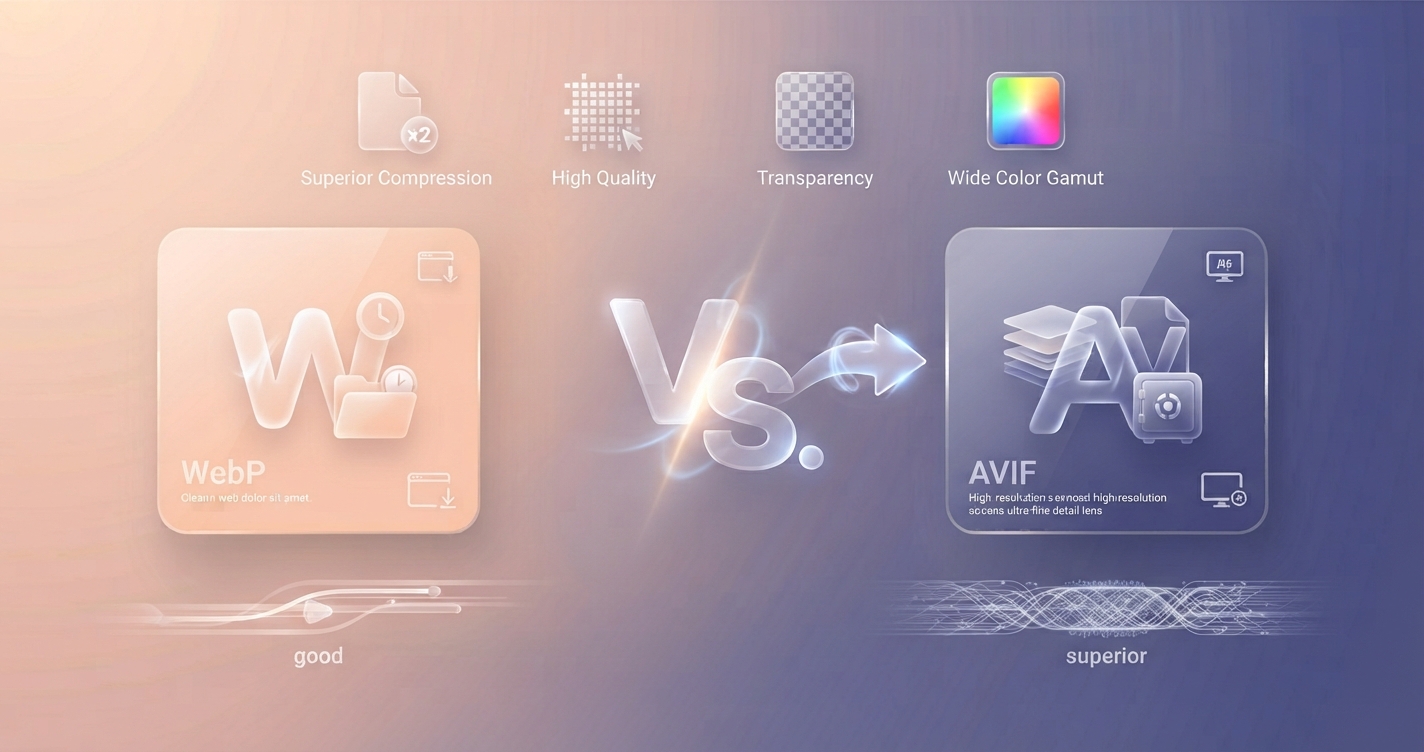
JPG and PNG served the web for decades, but both are wasteful by modern standards. WebP and AVIF are the two formats built to replace them. Both produce much smaller files at the same visual quality, both support transparency, and both are understood by current versions of Chrome, Firefox, Safari and Edge. The differences are in the details, and they decide which one suits your site.
In short: Use WebP as your everyday web format because it is simple and works everywhere that matters. Add AVIF for large photographs when your platform can create it and fall back automatically.
WebP and AVIF at a glance
| WebP | AVIF | |
|---|---|---|
| Released | 2010, by Google | 2019, by the Alliance for Open Media |
| Based on | The VP8 video codec | The AV1 video codec |
| File size against JPG | Noticeably smaller | Usually smaller still, especially at low and medium quality |
| Transparency | Yes | Yes |
| Animation | Yes | Yes |
| HDR and wide colour | No | Yes |
| Speed of creating files | Fast | Slower, sometimes much slower |
| Browser support | All current browsers, and several years of older versions | All current browsers; older versions more often lack it |
File size and quality
AVIF’s main selling point is compression. On photographs it commonly reaches the same visual quality as WebP in a smaller file, and the gap grows as quality is lowered: where a heavily compressed WebP starts to show blocky patches, AVIF tends to go soft and smooth instead, which most people find less objectionable. On images with flat colour and sharp edges, such as illustrations and screenshots, the two are closer, and lossless WebP is often the better choice.
The exact saving depends on the picture and the encoder settings, so treat any single percentage you read with suspicion. The reliable way to know is to convert a few of your own images both ways and compare.
Browser and software support
WebP has been supported in every major browser since Safari added it in 2020. AVIF arrived later: Chrome and Firefox first, Safari in version 16, and Edge most recently. For visitors on up-to-date devices both now work. The practical difference shows outside the browser. Email programs, older image editors, some content management systems and many upload forms accept WebP more readily than AVIF, and plenty still accept neither.
Encoding speed
Creating an AVIF takes more processing than creating a WebP. For a handful of images you will not notice. For a shop with thousands of product photos that are generated on demand, slower encoding means more server work, which is why some platforms offer WebP only.
Advantages and disadvantages
WebP
Advantages
- Smaller than JPG and PNG with no visible loss at sensible settings
- Fast to create, even in a browser
- Accepted by most modern software and platforms
Disadvantages
- Not as small as AVIF for photographs
- No HDR support
- Quality drops visibly at very small file sizes
AVIF
Advantages
- The smallest files for photographs
- Degrades gracefully at low quality
- Supports HDR and wide colour
Disadvantages
- Slow to encode
- Weaker support in older browsers, email and desktop software
- Fine low-contrast texture can be smoothed away
How to use both safely
You do not have to pick only one. HTML lets a page offer several versions of an image and the browser takes the first it understands:
<picture>
  <source srcset="photo.avif" type="image/avif">
  <source srcset="photo.webp" type="image/webp">
  <img src="photo.jpg" alt="Describe the photo" width="1200" height="800">
</picture>
Many content management systems and image delivery services do this for you. If yours does not, serving WebP alone already captures most of the benefit. You can create WebP files with the Image Converter and check how much each one saves with the Image Compressor.
Which should you choose?
- A blog or small business site: WebP. It is simple, well supported and a big improvement on JPG.
- A photo-heavy site where your platform creates AVIF automatically: AVIF with a WebP or JPG fallback.
- Logos, icons and diagrams: SVG where possible, otherwise lossless WebP or PNG.
- Images that people will download, email or edit: JPG or PNG, because the recipient’s software may not open the newer formats.
Frequently asked questions
Is AVIF better than WebP?
For photographs AVIF usually gives smaller files at the same quality. WebP is faster to create and more widely accepted by software outside the browser, so better depends on where the image is going.
Do all browsers support AVIF?
Current versions of Chrome, Firefox, Safari and Edge do. Older versions, particularly Safari before 16, do not, which is why a fallback image is recommended.
Should I convert all my JPGs to WebP or AVIF?
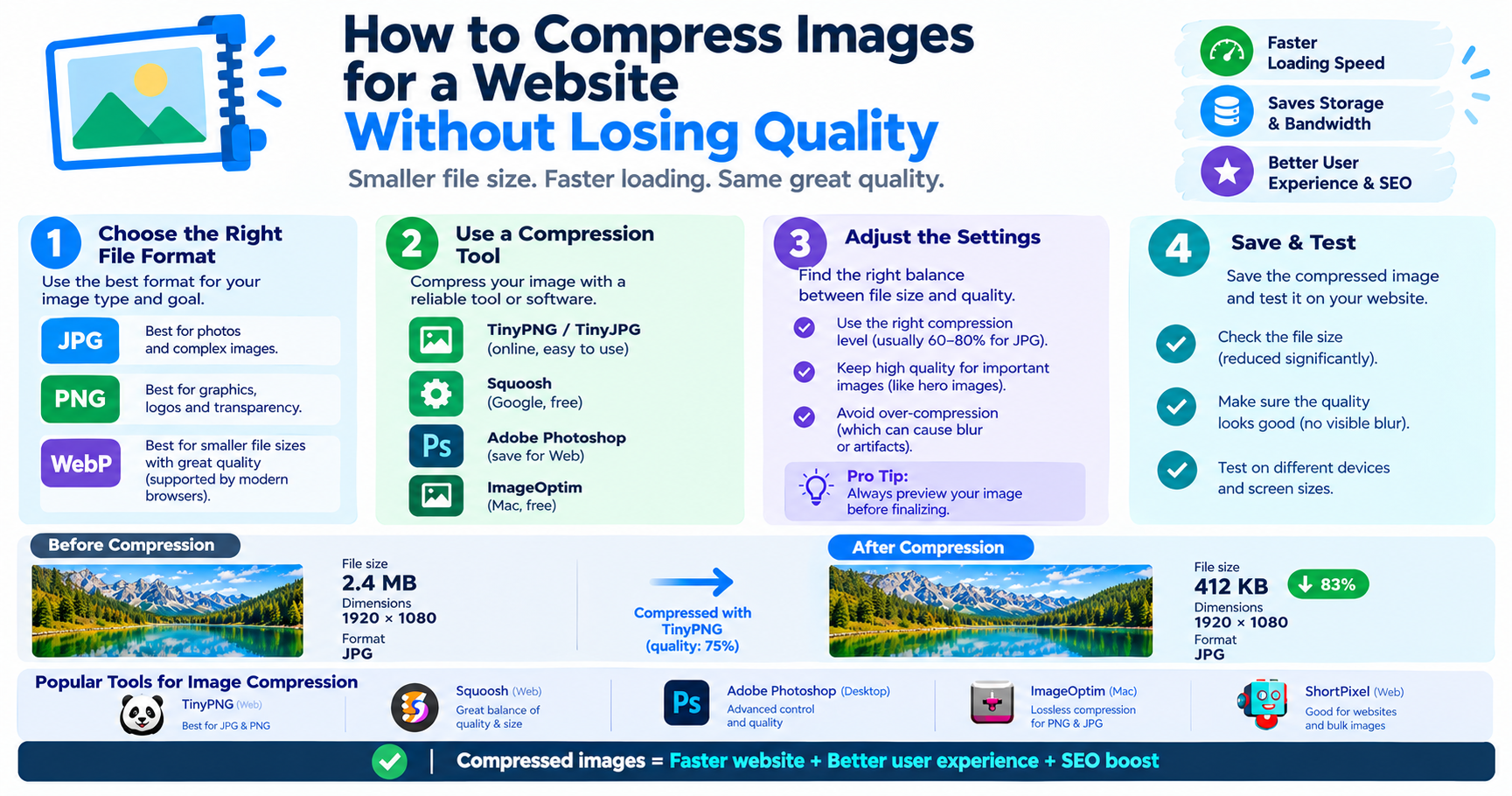
For images shown on a website, yes, it is usually worth it. Keep the originals, because converting between lossy formats repeatedly reduces quality.
Does Google prefer WebP or AVIF for SEO?
Google does not rank one format above another. Smaller images make pages load faster, and page speed is what helps.