In this article
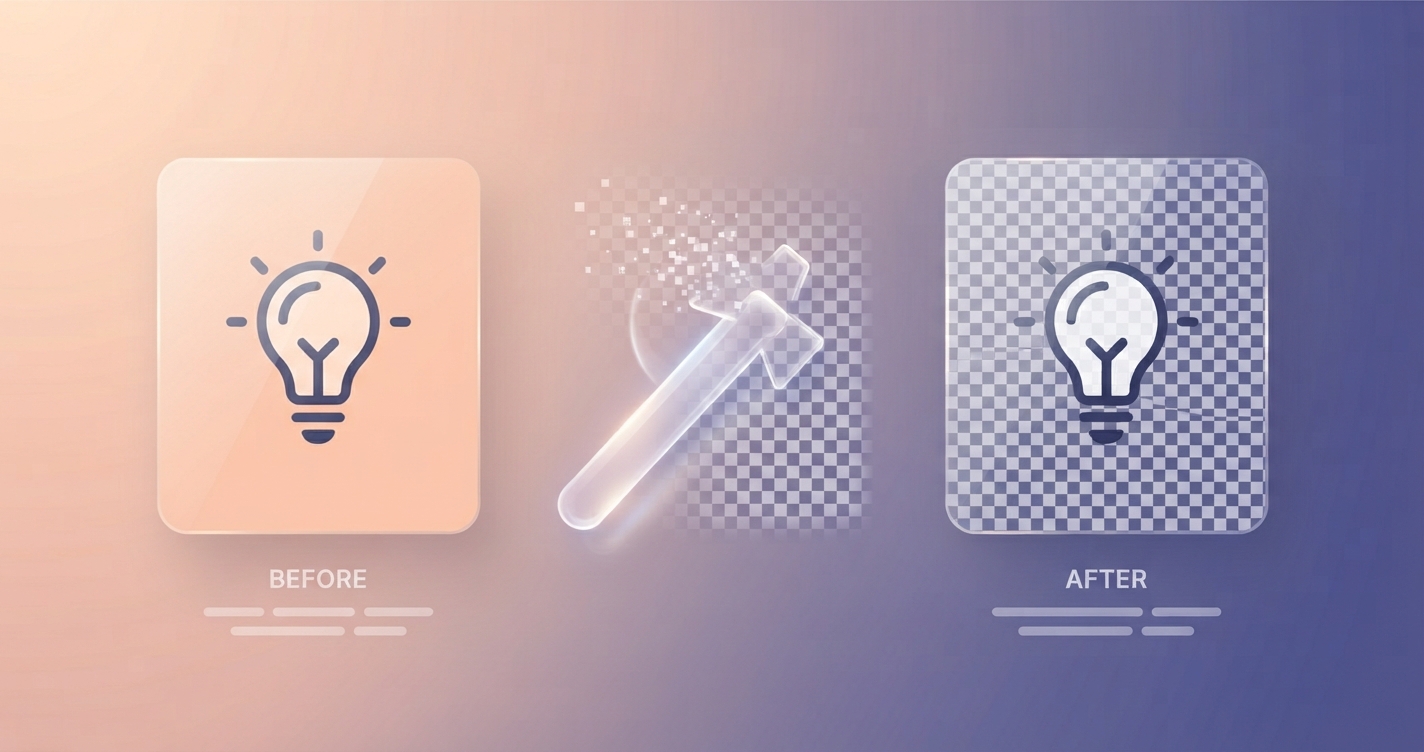
Place a logo with a white background on a coloured page and you get an ugly white rectangle. The cure is transparency: parts of the image that are see-through, so whatever is behind shows instead. Getting there takes two steps, removing the background and saving in a format that can keep it.
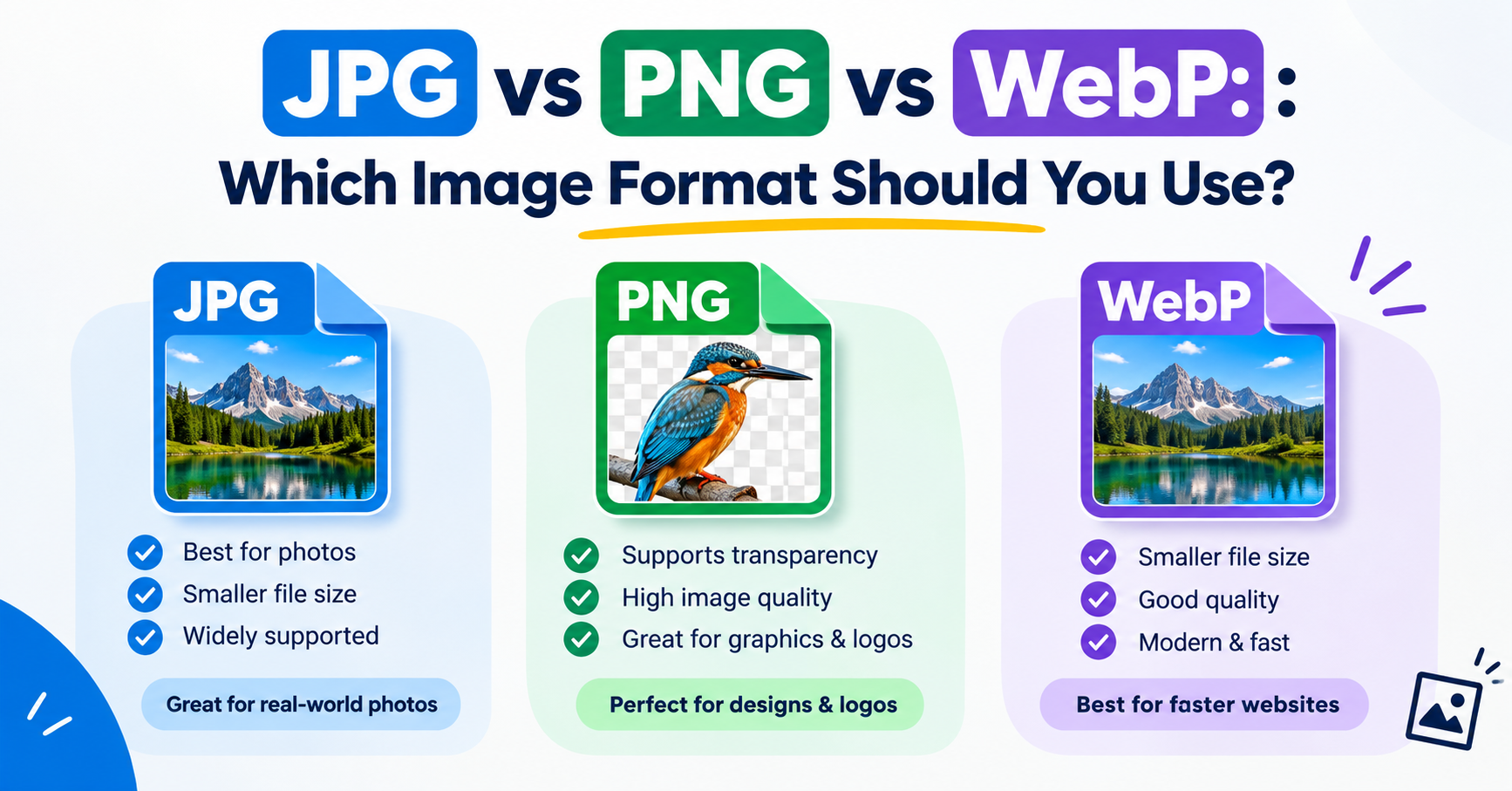
In short: Remove the background with a tool that fits the image: one click for plain backgrounds, a subject-selection tool for photos. Then save as PNG or WebP, because JPG cannot store transparency.
Which formats support transparency
| Format | Transparency | Notes |
|---|---|---|
| PNG | Yes | The standard choice; smooth, soft edges |
| WebP | Yes | Smaller files; good for websites |
| SVG | Yes | Best for logos drawn as vectors |
| GIF | On or off only | Edges look jagged |
| JPG | No | Transparent areas are filled with a solid colour |
Check whether it is already transparent
Many logos are supplied with transparency and only appear to have a white background because the viewer shows white behind them. Open the file in an image editor: transparency is usually drawn as a grey and white chequerboard. Beware of pictures from image searches where the chequerboard is part of the picture itself. Those are fake and have no transparency at all.
Ways to remove a background
On a Mac
- Preview, plain backgrounds: show the Markup toolbar, choose Instant Alpha, drag across the background until it is selected, press Delete, and save as PNG.
- Finder, photos of a subject: on recent versions of macOS, right-click the image and choose Quick Actions → Remove Background. A new PNG is created beside the original.
On an iPhone or iPad
In the Photos app on recent versions of iOS, touch and hold the subject of a photo until it lifts with a glowing outline, then choose Copy or Share. Pasted into Files, Notes or a design app, it arrives with a transparent background.
On Windows
Recent versions of Paint in Windows 11 include a Remove background button on the toolbar. Paint 3D, where still installed, offers Magic select, which cuts out a subject you outline.
In free design software
Editors such as GIMP, Photopea and Canva’s paid tier can remove backgrounds. For flat backgrounds use the fuzzy-select or magic-wand tool: click the background, delete it, and make sure the layer has an alpha channel so the result is transparent and not white.
Plain backgrounds and busy backgrounds
A logo on solid white is easy: the tool selects every pixel of that colour. A person photographed in a room is hard: the software must decide what is subject and what is not, and hair, glass and shadows are where it goes wrong. Automatic subject removal is now good enough for most product shots and portraits, but zoom in and check the edges before you use the result.
Save it the right way
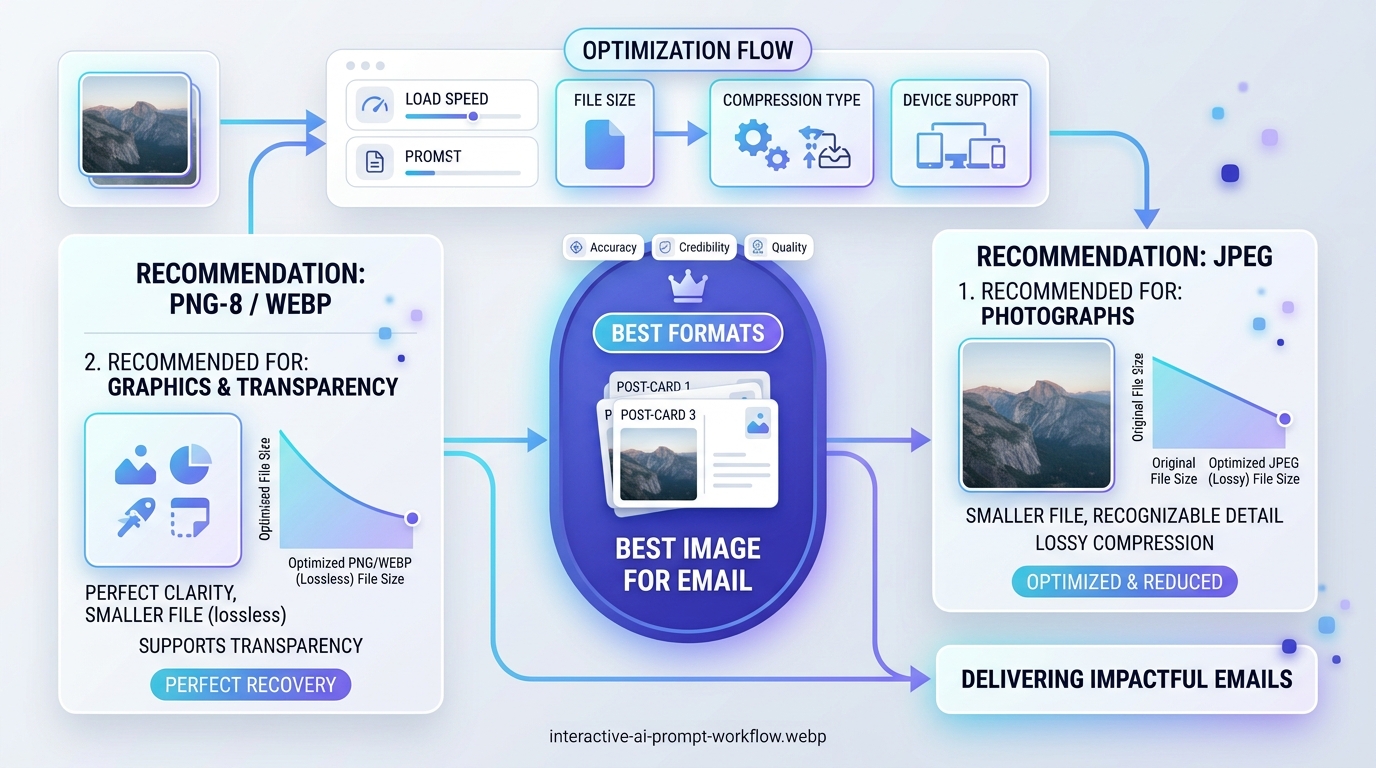
- Choose PNG, or WebP for a website.
- If your editor asks, keep the alpha channel or tick “transparency”.
- Do not choose JPG. The transparent area will be filled, usually with white or black.
- Crop away the empty space around the subject so it is easy to position. The Image Cropper keeps PNG transparency.
Why transparency disappears
| What happened | Why | Fix |
|---|---|---|
| White box reappeared | Saved or converted as JPG | Export again as PNG or WebP |
| Black background in a preview | The viewer shows transparency as black | Nothing: the file is fine |
| A site added a white background | The platform converts uploads to JPG | Use a background colour that matches the page |
| Edges show a pale halo | Leftover background pixels | Shrink the selection by a pixel or two before deleting |
Advantages and disadvantages of transparent images
Advantages
- Works on any background colour
- Looks professional for logos, icons and product cut-outs
- Soft edges and shadows are preserved in PNG and WebP
Disadvantages
- PNG files are larger than JPG
- Not every platform keeps transparency
- Poor cut-outs look worse than a clean rectangular photo
When you do need a JPG, for a form that insists on it, convert with the Image Converter and choose the background colour that should fill the transparent areas.
Frequently asked questions
Can a JPG have a transparent background?
No. JPG has no transparency. Save as PNG or WebP to keep a transparent background.
Why does my transparent PNG show a black background?
Some viewers and thumbnails display transparent areas as black. The file is still transparent and will look right on a web page or in a design.
How do I know if a PNG is really transparent?
Place it on a coloured background in any editor or slide. If you see the colour around the subject, it is transparent.
Is PNG or WebP better for transparent images?
WebP gives smaller files and suits websites. PNG is accepted almost everywhere and is the safer choice for sharing and uploads.