In this article
- The options at a glance
- 1. Let Mail shrink it
- 2. Compress to an exact size in Safari
- 3. Crop away what you do not need
- 4. Build a resize shortcut
- 5. Take smaller photos from now on
- Freeing storage without deleting photos
- Which format is the result?
- Advantages and disadvantages of shooting smaller
- Frequently asked questions
A single iPhone photo can be several megabytes, which is fine in your library and a problem when a form accepts 200 KB or your storage is nearly full. The iPhone has no “compress” button in Photos, but there are several dependable routes, depending on whether you want a smaller copy or smaller originals.
In short: To send a smaller copy, use Mail’s size option or a browser compressor. To take smaller photos from now on, change the camera format and resolution in Settings.
The options at a glance
| Method | Best for | Control over size |
|---|---|---|
| Mail size prompt | Emailing a few photos | Small, Medium, Large |
| Browser compressor | Hitting an exact KB limit | Exact |
| Crop in Photos | Removing unneeded area | Rough |
| Shortcuts app | Repeating the same resize often | Exact pixels |
| Camera settings | Smaller photos from now on | Format and megapixels |
1. Let Mail shrink it
- Open Photos, select the pictures and tap Share, then Mail.
- Address the email and tap Send.
- When asked, choose Small, Medium, Large or Actual Size. The approximate total size is shown beside each.
You can email the photos to yourself to get reduced copies. The prompt appears only when the attachments are large enough.
2. Compress to an exact size in Safari
- Open the Image Compressor in Safari.
- Tap the upload area and choose Photo Library.
- Enter a maximum width and, if a form sets a limit, a target size in KB.
- Tap the download button, then find the file in the Files app under Downloads, or save it to Photos from the share menu.
The photo is processed on the phone and is not uploaded.
3. Crop away what you do not need
In Photos, tap Edit, then the crop tool, and trim the picture. Fewer pixels means a smaller file. Cropping in Photos is reversible, so the original remains available.
4. Build a resize shortcut
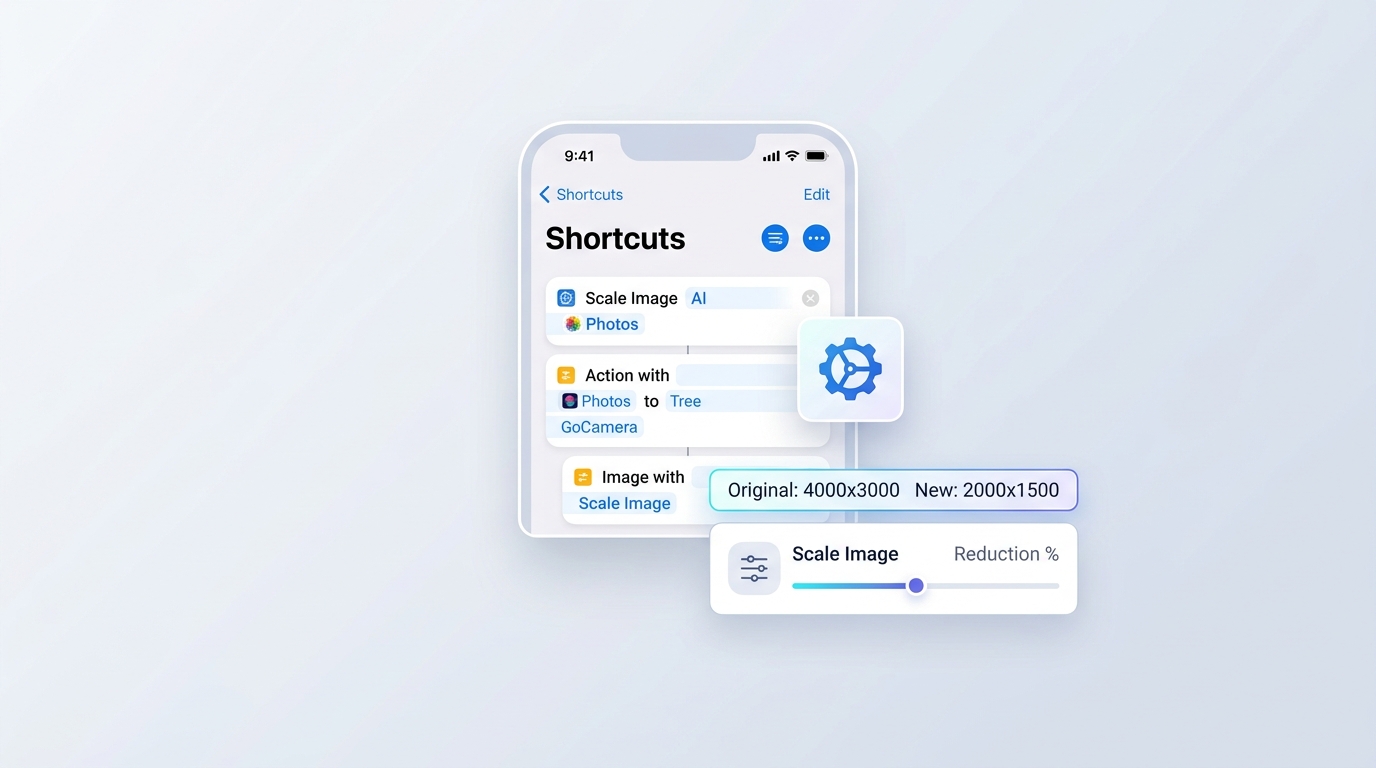
The Shortcuts app can resize images in one tap. Create a shortcut with the actions Select Photos, Resize Image (set a width such as 1200) and Save to Photo Album. Add Convert Image to JPEG with a quality setting if you want more saving. Useful if you prepare photos for the same website every week.
5. Take smaller photos from now on
- Settings → Camera → Formats → High Efficiency saves photos as HEIC, which takes noticeably less space than JPG at similar quality.
- On models with a 48-megapixel camera, the same screen lets you choose the default resolution. Choosing 12 MP instead of 24 or 48 MP gives much smaller files.
- Turning off Live Photos in the Camera app saves the extra video stored with each shot.
- ProRAW files are very large. Leave ProRAW off unless you edit professionally.
Freeing storage without deleting photos
If the aim is space on the phone, go to Settings → Photos (or your Apple ID’s iCloud settings) and choose Optimise iPhone Storage. Full-resolution originals are kept in iCloud and smaller versions stay on the device, downloading the original when you open a photo. This needs enough iCloud storage for your library.
Which format is the result?
Copies sent through Mail and most apps are converted to JPG automatically. Files taken straight from the library may be HEIC, which some websites refuse. If that happens, convert with the HEIC to JPG Converter or read what HEIC is.
Advantages and disadvantages of shooting smaller
Advantages
- More photos fit on the phone and in backups
- Faster to share and upload
Disadvantages
- Less room to crop or print large later
- HEIC needs converting for some websites and Windows PCs
Frequently asked questions
Is there a built-in way to compress photos on iPhone?
Not a dedicated button. The closest built-in options are the size choice when sending by Mail and the resize action in the Shortcuts app.
How do I make an iPhone photo under 1 MB?
Send it by Mail and choose Medium or Large, or use a browser compressor with a maximum width of about 1600 pixels.
Does AirDrop reduce photo quality?
No. AirDrop sends the full-quality file, which is why the result is the same size as the original.
Does cropping reduce file size?
Yes. A cropped photo has fewer pixels, so the exported copy is smaller.