In this article
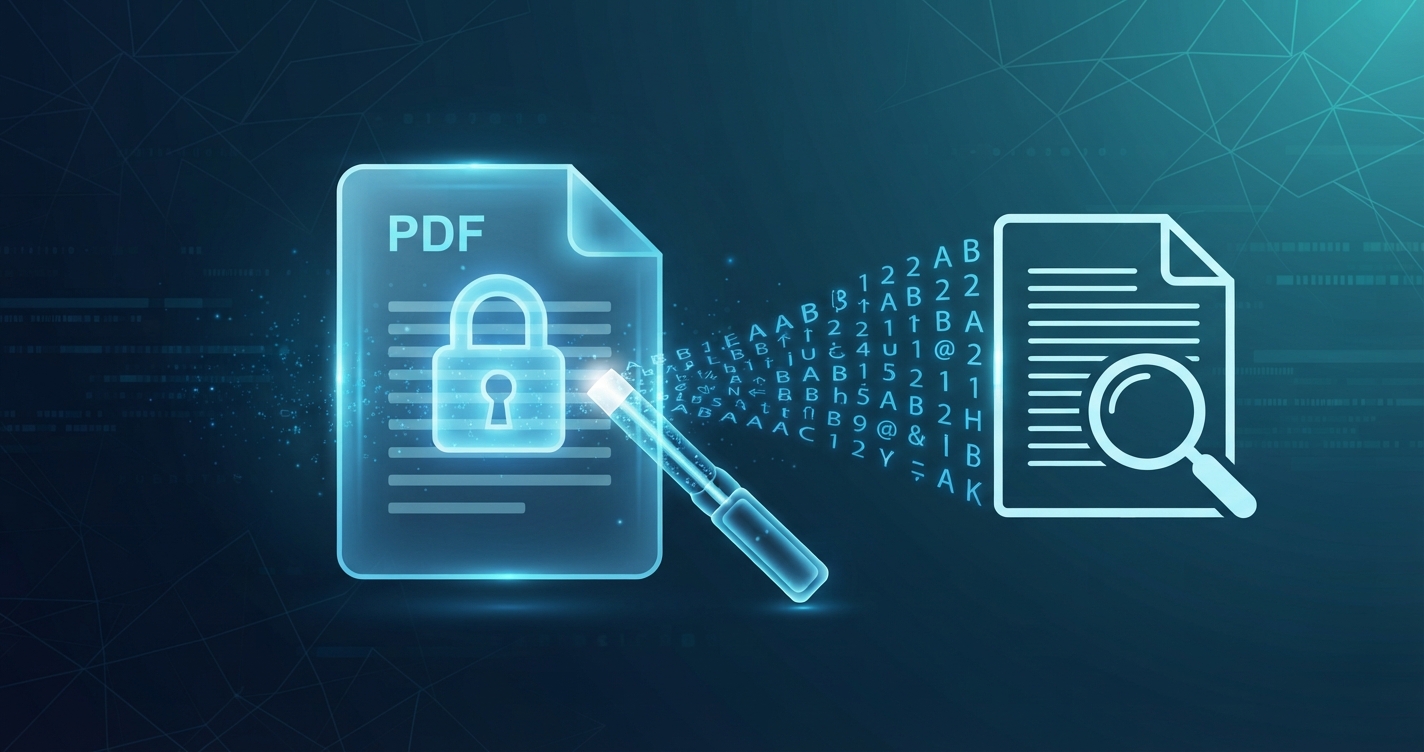
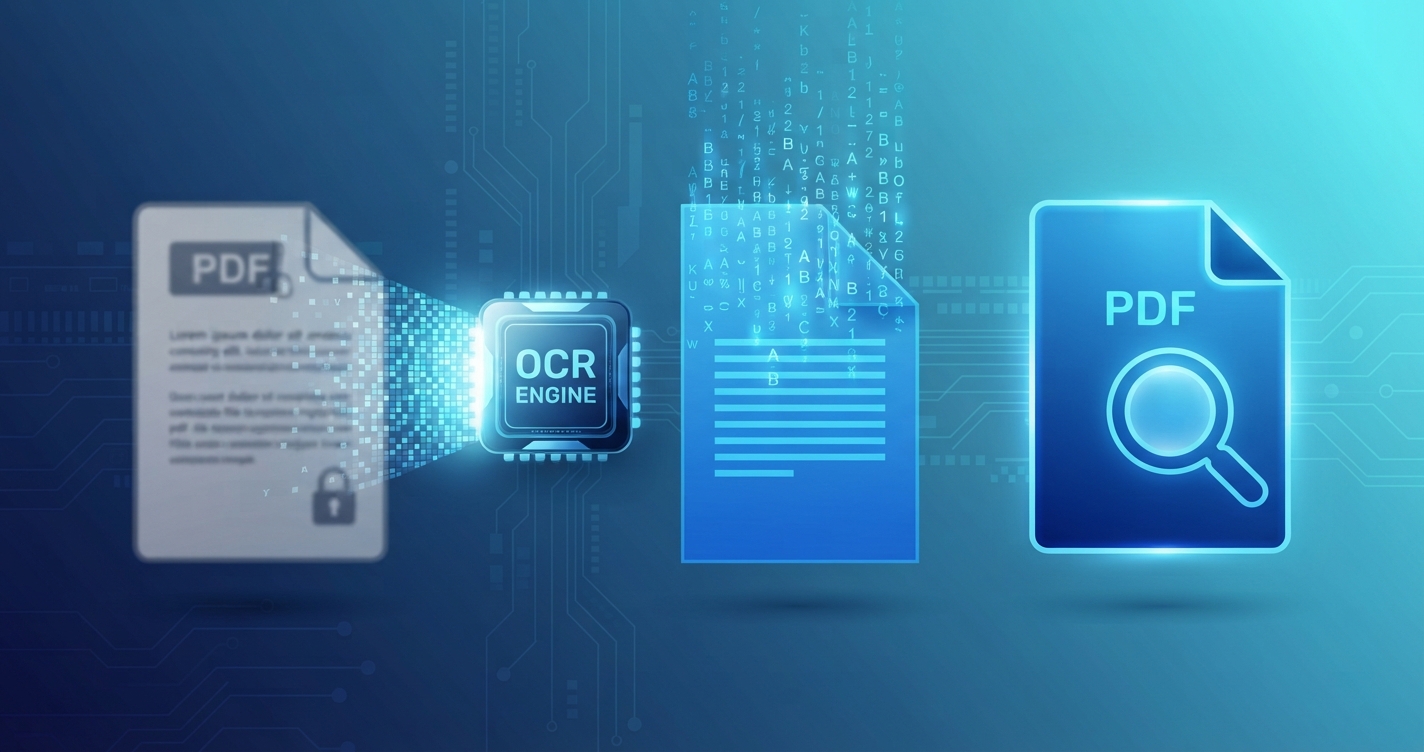
You search a scanned contract for a name and get “no results”, although the name is plainly on the page. The PDF contains photographs of pages, not text. Optical character recognition, OCR, fixes that by working out what the letters are.
In short: OCR reads the letters in a scan and stores them as real text. Google Drive does it free for occasional documents; dedicated software keeps the original page appearance with an invisible text layer.
Is your PDF already searchable?
Try to select a word by dragging across it. If individual words highlight, the PDF has text. If the whole page highlights as one block, or nothing does, it is an image and needs OCR.
What OCR produces
| Output | What you get | Good for |
|---|---|---|
| Searchable PDF | The page looks exactly as before, with an invisible text layer on top | Archives, contracts, records |
| Editable document | The recognised text as a Word or Docs file | Reusing or rewriting the content |
| Plain text | Words only, no layout | Quoting, feeding into other tools |
Free methods
Google Drive and Google Docs
- Upload the PDF or image to Google Drive.
- Right-click it and choose Open with → Google Docs.
- A new document opens with the recognised text, usually with the page image above it.
- Copy what you need, or download it in another format.
This gives editable text, not a searchable copy of the original PDF, and the layout is simplified. It works best on clear, single-column pages. Remember that the document is uploaded to your Google account.
On Apple devices
Live Text on recent versions of macOS and iOS recognises text in images and scanned PDFs when you view them: in Preview or Files you can select and copy words straight from the scan. It works on the device, but it does not save a text layer into the file, so the PDF is still unsearchable for other people.
Microsoft OneNote
Insert a picture of the page, right-click it and choose Copy Text from Picture. Useful for a page or two.
Open-source software
OCRmyPDF is a free command-line program for Windows, Mac and Linux that adds a proper invisible text layer and keeps the pages as they were. It suits people comfortable with a terminal and anyone processing many files. It runs entirely on your own computer.
Paid software
Adobe Acrobat and similar editors include one-click text recognition with good layout handling. Worth it if you do this daily.
Methods compared
| Method | Cost | Keeps page appearance | Stays on your device | Best for |
|---|---|---|---|---|
| Google Docs | Free | No | No | Occasional documents |
| Apple Live Text | Free | Not saved | Yes | Copying a passage |
| OneNote | Free | No | Depends on sync | A page or two |
| OCRmyPDF | Free | Yes | Yes | Batches, privacy |
| Paid PDF editor | Subscription or purchase | Yes | Usually | Regular professional use |
Getting accurate results
OCR is only as good as the scan.
- Resolution: 300 dpi is the usual recommendation. Below 200 dpi, small print becomes unreliable.
- Contrast: dark text on a clean light background. Use a document or black-and-white filter when scanning.
- Straight pages: skewed lines confuse recognition. Rotate sideways pages first with Rotate PDF.
- Language: choose the document’s language if the tool asks; accents and special characters depend on it.
- Clean originals: stains, creases, stamps over text and highlighter all reduce accuracy.
What OCR gets wrong
| Content | Reliability |
|---|---|
| Clear printed text | Very good |
| Small or faint print | Variable |
| Tables and columns | Text is usually right; order and structure may be scrambled |
| Numbers and codes | Good, but 0/O, 1/l/I and 5/S are confused |
| Handwriting | Poor to moderate |
| Mathematical formulas | Poor |
Always proofread anything important, especially figures, names, dates and account numbers. A wrong digit in an invoice is worse than no OCR at all.
Privacy
Online OCR means uploading the document. For contracts, medical records and identity documents, prefer a method that runs on your own device, or check the service’s privacy terms and your organisation’s rules first.
Before and after
If only some pages need recognising, extract them first with Split PDF to save time. OCR adds very little to file size, because text is tiny compared with the page images.
Advantages and disadvantages of OCR
Advantages
- Search inside scanned documents
- Copy text instead of retyping
- Screen readers can read the document aloud
Disadvantages
- Errors are inevitable and can be subtle
- Layout is often lost in editable output
- Online services require uploading the file
Frequently asked questions
How do I make a scanned PDF searchable for free?
Open it with Google Docs from Google Drive to get editable text, or use the free OCRmyPDF program to add an invisible text layer to the original.
What does OCR stand for?
Optical character recognition: software that identifies letters and numbers in an image and converts them to real text.
How accurate is OCR?
Very good on clean printed text at 300 dpi, and unreliable on handwriting, poor scans and complex tables. Proofread anything important.
Does OCR change how my PDF looks?
Not when it creates a searchable PDF: the text layer is invisible and the pages look the same.