In this article
Most people meet PDF/A when a court filing system, a government portal or a university repository rejects an ordinary PDF and asks for “PDF/A format”. It is not a different kind of file so much as a promise: this document will display identically long after today’s software is gone.
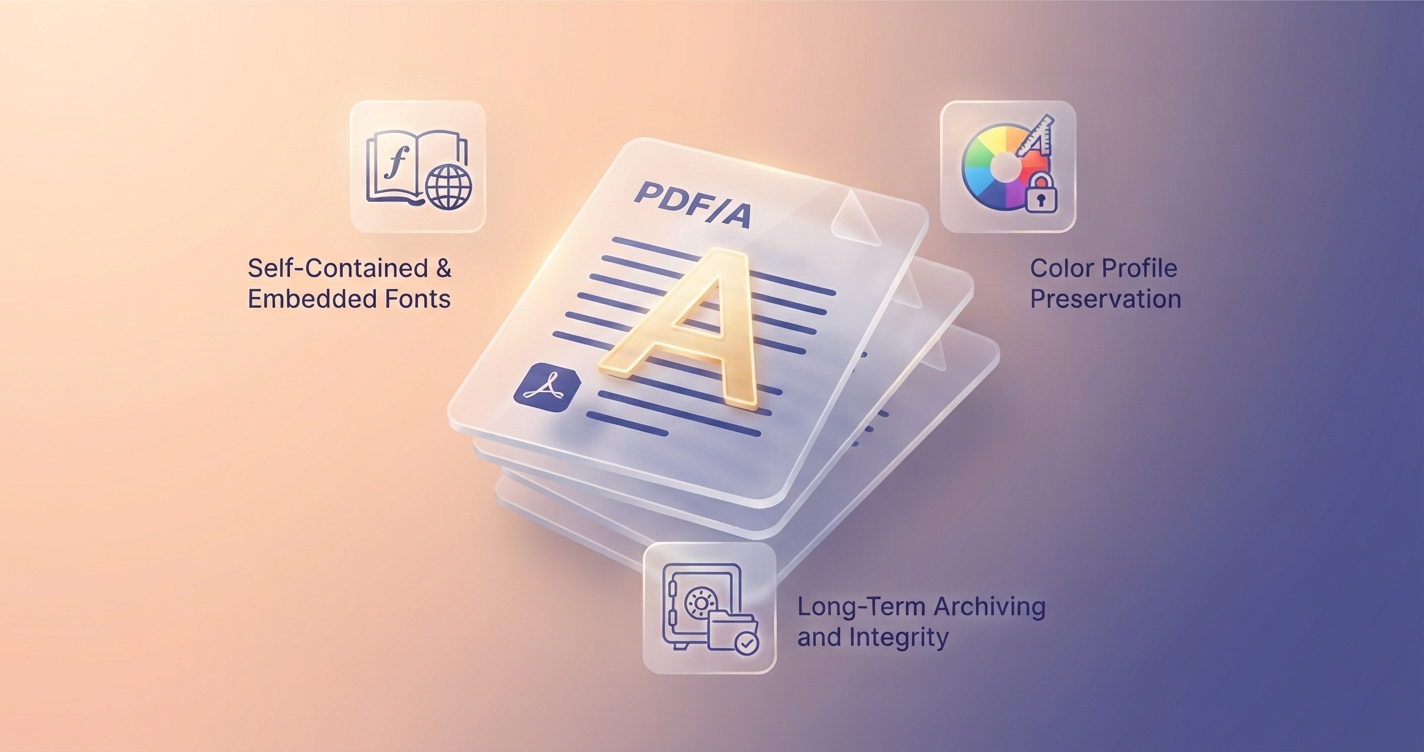
In short: PDF/A is a self-contained PDF with everything needed to display it stored inside and nothing that depends on outside resources. Use it when a court, archive or agency asks for it, or for records you must keep for many years.
What makes a PDF a PDF/A
PDF/A is an international standard, ISO 19005, built on ordinary PDF with rules added. The rules remove anything that might stop the file being reproduced faithfully in future:
| Rule | Reason |
|---|---|
| All fonts must be embedded | The text must not depend on fonts installed on a future computer |
| Colour must be defined in a device-independent way | Colours should look the same on any screen or printer |
| No encryption or passwords | A lost password must not make an archive unreadable |
| No JavaScript or executable content | Behaviour must not depend on software running code |
| No audio or video | Players and formats change |
| No reliance on external content | Links may exist, but nothing needed for display may live outside the file |
| Standard metadata included | Records can be catalogued and identified |
The versions
| Version | Year | Notable features |
|---|---|---|
| PDF/A-1 | 2005 | The original; the most restrictive. No transparency or layers |
| PDF/A-2 | 2011 | Allows transparency, layers and better image compression; PDF/A files may be embedded |
| PDF/A-3 | 2012 | Allows any file type to be embedded, such as the source spreadsheet or XML data |
| PDF/A-4 | 2020 | Based on PDF 2.0; simplified conformance levels |
Each version has conformance levels. The common ones are b (“basic”: reliable visual appearance) and a (“accessible”: also requires tagged structure so the text order and headings are defined). A request for “PDF/A-1b” or “PDF/A-2b” is typical. If an organisation names a version, use that one exactly.
Who asks for it
- Courts and electronic filing systems in many countries
- National and institutional archives and libraries
- Government agencies, for permits, tenders and regulatory submissions
- Universities, for theses and dissertations
- Banks, insurers and healthcare organisations, for long-term records
- Electronic invoicing schemes in parts of Europe, which use PDF/A-3 with embedded invoice data
How to create a PDF/A
| Software | Steps |
|---|---|
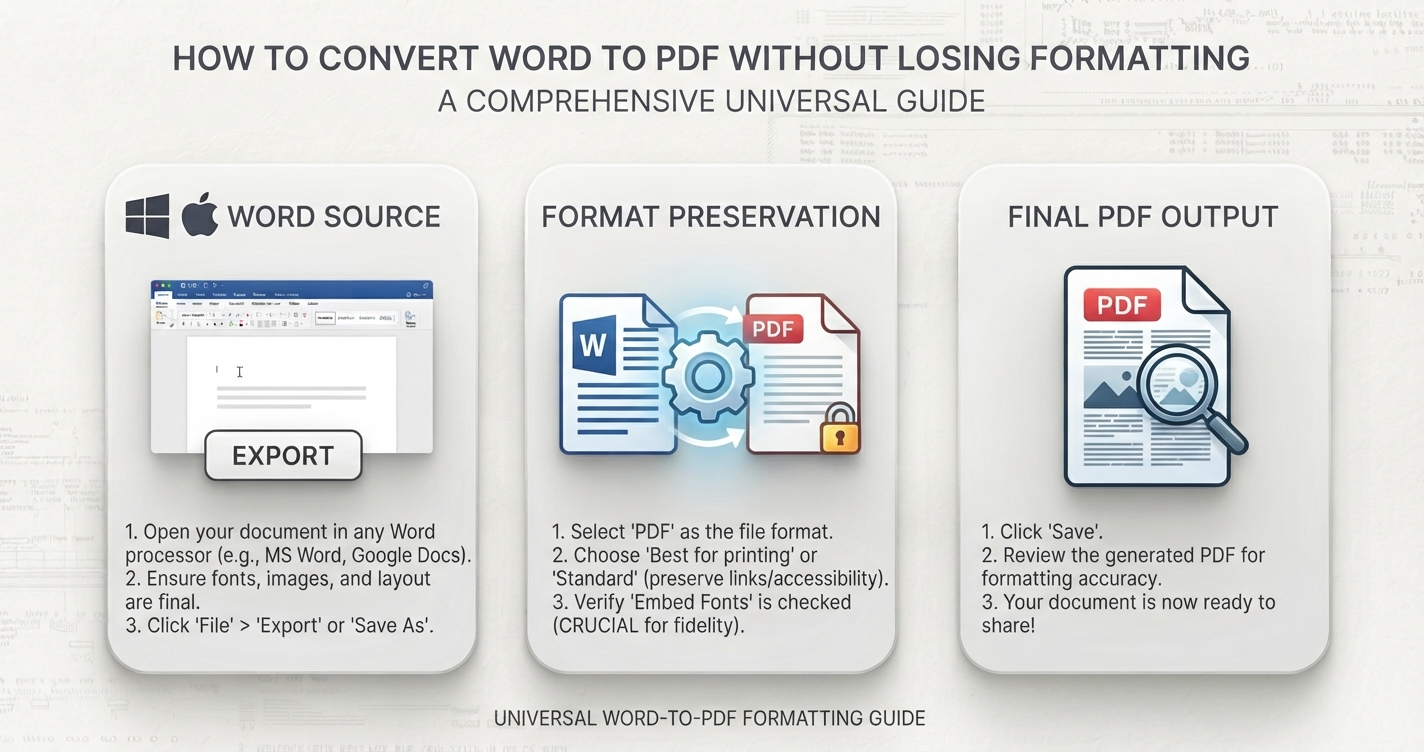
| Microsoft Word (Windows) | File → Save As → PDF → Options → tick “ISO 19005-1 compliant (PDF/A)” |
| LibreOffice | File → Export as PDF → General tab → tick “Archive (PDF/A)” and choose the version |
| Adobe Acrobat (paid) | Save As Other → Archivable PDF (PDF/A), or use the Preflight tool to convert and verify |
| Scanning software | Many scanner apps and office scanners have a PDF/A output option |
Creating PDF/A from the source document is far more reliable than converting an existing PDF afterwards, because problems such as missing fonts can be fixed at the source.
Checking that a file really is PDF/A
A file can claim to be PDF/A without meeting the rules. Readers such as Adobe Acrobat Reader show a blue bar stating that the file claims compliance, which is only a claim. To verify, use a validator: the free, open-source veraPDF is the reference tool, and paid PDF editors include their own checks. Validate before submitting to a system that enforces the standard.
Editing and combining PDF/A files
Changing a PDF/A in ordinary software, including merging, splitting, numbering or watermarking, generally produces a normal PDF that no longer conforms. If you need to combine documents for a PDF/A submission, do the editing first, for example with Merge PDF, and then convert the finished file to PDF/A in software that supports it, and validate the result.
PDF and PDF/A compared
| Ordinary PDF | PDF/A | |
|---|---|---|
| Fonts embedded | Optional | Required |
| Passwords and encryption | Allowed | Not allowed |
| Video, audio, scripts | Allowed | Not allowed |
| File size | Usually smaller | Slightly larger, because everything is embedded |
| Opens in normal readers | Yes | Yes |
| Suitable for long-term archiving | Not guaranteed | Designed for it |
Advantages and disadvantages
Advantages
- Displays the same on any system, now and in future
- Accepted by courts, archives and regulators
- Self-contained: nothing external can go missing
Disadvantages
- Cannot be password-protected
- No multimedia or interactive scripting
- Slightly larger files, and conversion sometimes fails on complex documents
- Editing afterwards usually breaks compliance
Do you need it?
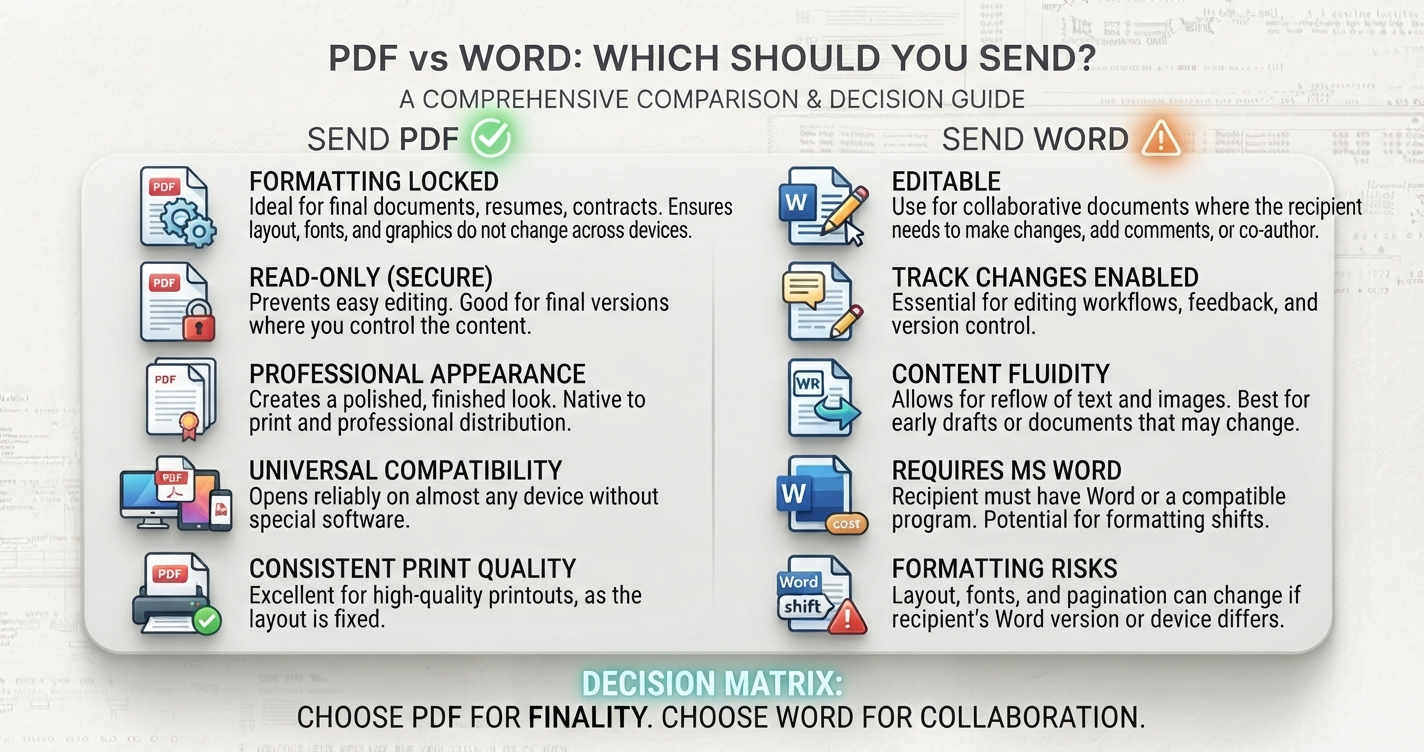
If nobody has asked for PDF/A and the document is for everyday sharing, an ordinary PDF is fine. Choose PDF/A when a recipient requires it, or for records you are obliged to keep for many years, such as contracts, accounts and qualifications.
Frequently asked questions
What is the difference between PDF and PDF/A?
PDF/A is a restricted form of PDF for long-term archiving: fonts must be embedded, and encryption, scripts and multimedia are not allowed.
How do I convert a PDF to PDF/A?
The most reliable way is to export from the source document with the PDF/A option in Word or LibreOffice. Existing PDFs can be converted with a PDF editor that supports the standard.
Can I open a PDF/A file normally?
Yes. Any PDF reader opens it. Some show a notice that the file is in an archival format and open it read-only.
Which PDF/A version should I use?
Use the version the recipient specifies. If none is given, PDF/A-2b is a common, widely accepted choice.